Employer hiring tool

Hiring assessments for teams

Send candidates a secure timed typing test, review verified WPM and accuracy on your dashboard, and standardize cutoffs across remote reqs—without chasing screenshots. Free trial links use a 1-minute test; paid plans (Hiring Vault or one-time packs) let you choose 1, 5, or 10 minutes per invite link.

For hiring teams

Send candidates a verified typing test

Create invite links, candidates type on any device, and you review verified WPM and accuracy—no screenshots.

Need more links? Hiring Vault subscriptions (from $19/mo) include monthly refills and rollover; one-time Starter and Growth packs are also available.

How it works

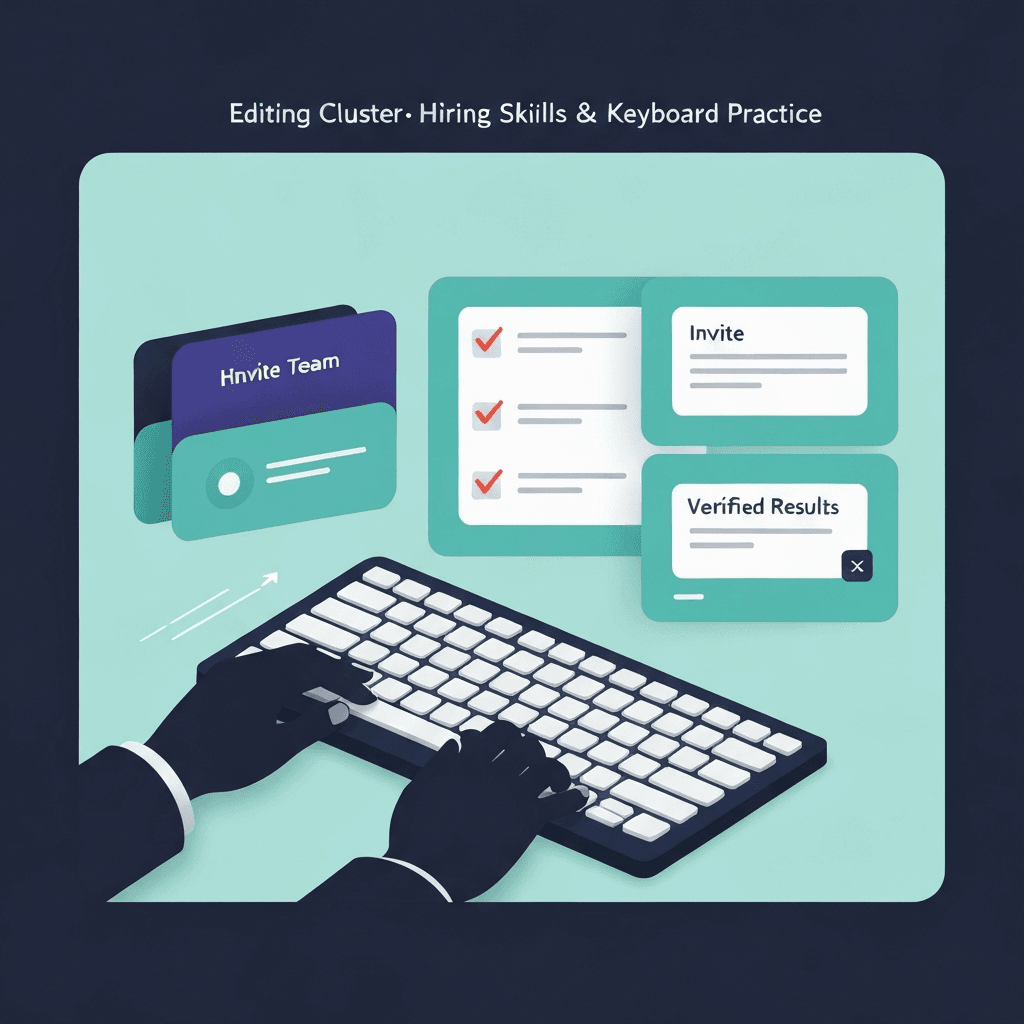
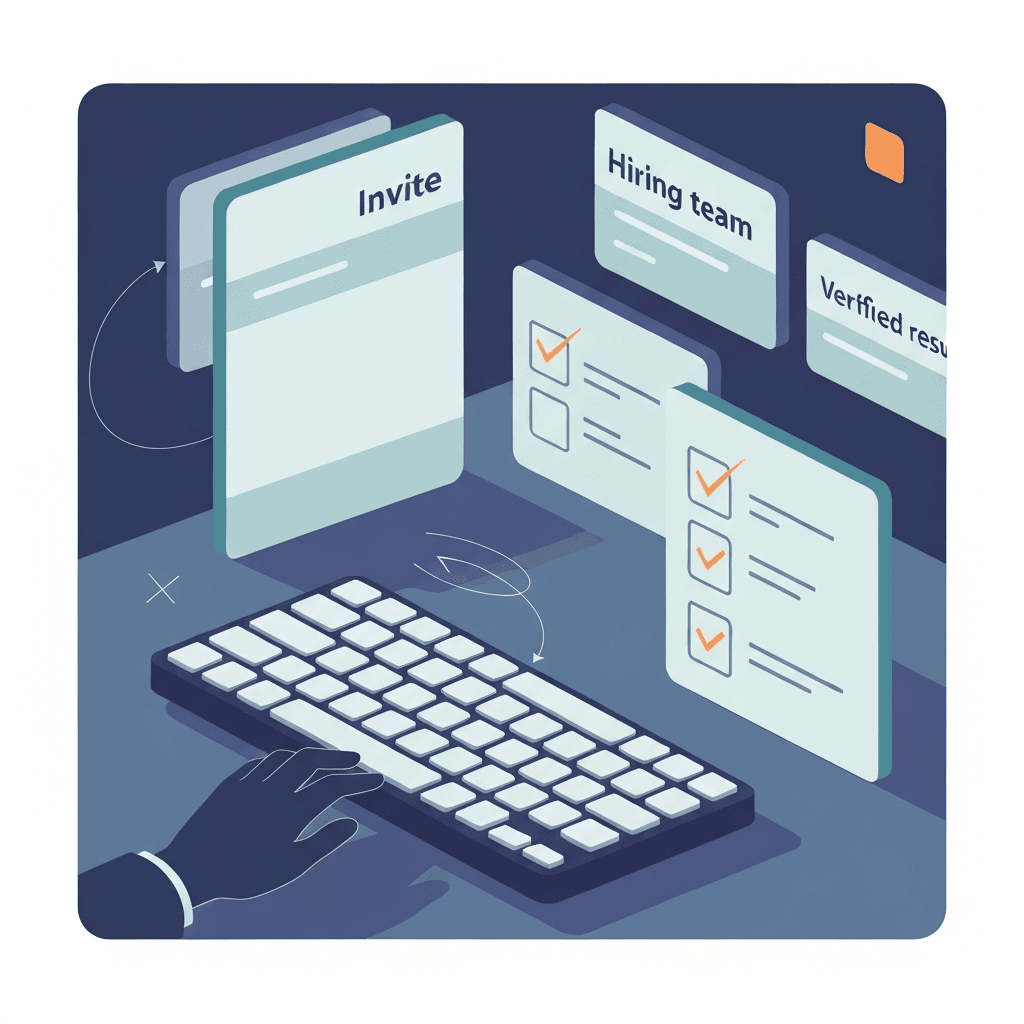
Three steps from invite to verified results — no screenshots.

3 steps · candidates never pay

  1. Step 1

    Create invite link

    Name the req and send a secure URL from your dashboard.

  2. Step 2

    Candidate types

    Timed test on any device (1 min free; 1, 5, or 10 min on paid links). Candidates never pay.

  3. Step 3

    Review verified results

    WPM and accuracy on every result; paid plans add test-length choice, trust signals, typing replay, CSV export, filter by duration, and company branding.
Start free trial — 5 invite links

Browse plans on the hiring page — 5 free invite links included; no credit card for the trial.

How the 5-link trial works

Hiring guides

Playbooks for invite links, cutoff policy, and result review—after you start your free trial on the hiring dashboard.

Search all guides

Hiring assessments · Invite workflow

How to Send Candidate Typing Test Invite Links: A Hiring Manager Workflow

Generate one invite link per candidate from /hire, pick test length on paid plans, paste into ATS email, and review verified WPM on your dashboard—full workflow.

Read guide

Hiring assessments · Test design

Why a One-Minute Typing Test Works for Hiring Screens

Sixty-second employer typing screens filter pipeline throughput without burning goodwill—what one minute proves, when to add longer verify passes, and rubric pairing.

Read guide

Hiring assessments · Product FAQ

Employer Typing Assessment FAQ: Type Faster Hiring Tests

Employer FAQ: trial credits, candidate payment, /hire result fields, 1/5/10-minute invites, privacy, and how assess links differ from public practice tests.

Read guide

Hiring assessments · Candidate UX

Candidate Experience for Employer Typing Assessments

Improve typing test candidate UX with clear invite emails, retest policies, browser guidance, and post-submit communication—so employer brands stay fair and calm.

Read guide

Hiring assessments · Test design

When Short Typing Tests Beat Five-Minute Screens in Hiring

Design a staged hiring screen with a one-minute opener, clear stage-two rules, and fair comparisons so teams filter quickly without degrading candidate experience.

Read guide

Hiring assessments · Operations

Remote Hiring Typing Screens at Scale

Standardize remote hiring typing screens at scale with rubric docs, async review SLAs, invite workflows from /hire, and weekly funnel metrics.

Read guide