- 5/17/2026
- Updated 5/17/2026
8 kHz Polling Rate Keyboards: Worth It for Typing or Mostly Hype?
8000 Hz boards dominate esports marketing. Learn what 8 kHz changes in theory, why browsers rarely prove it, and why typists should be skeptical of the upgrade tax.
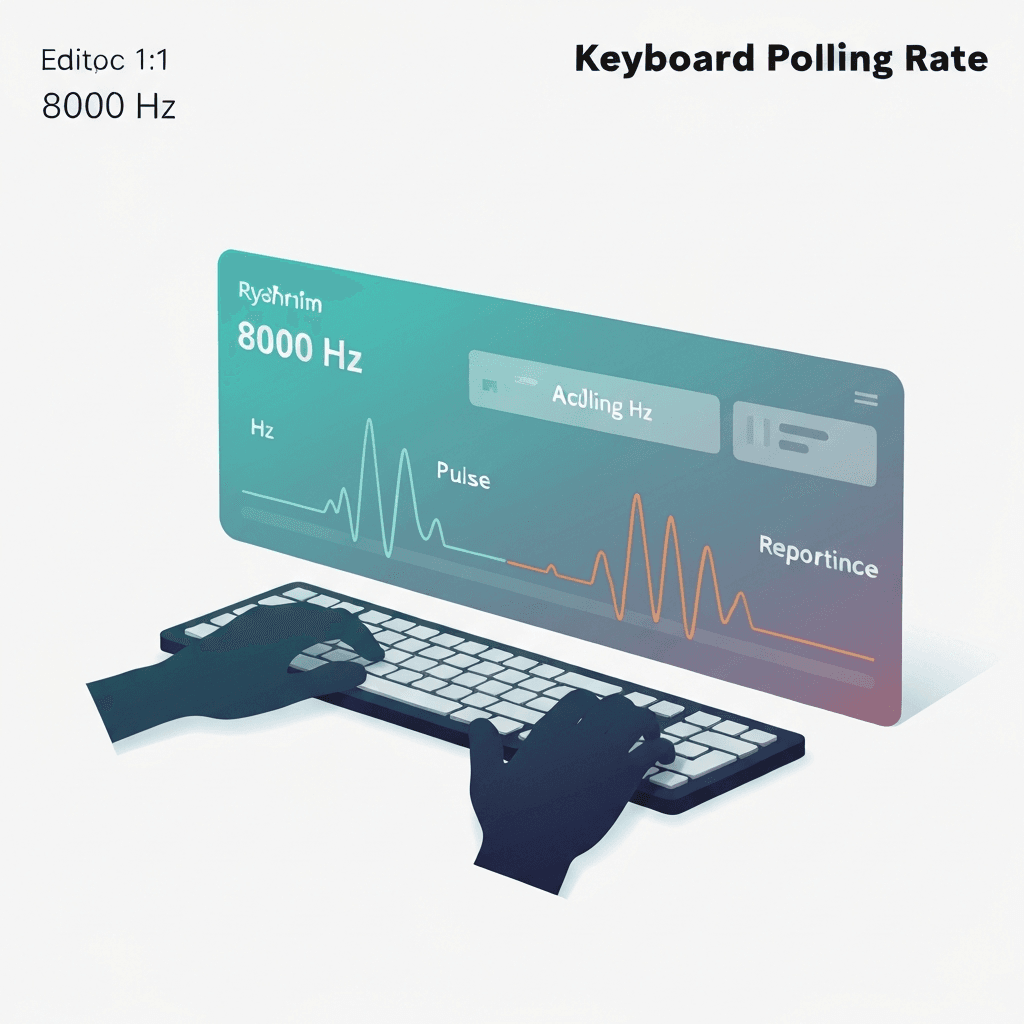
8 kHz shrinks poll windows you may not feel while typing
An 8k polling rate keyboard can report every 0.125 ms in ideal firmware. That matters when frames and mouse aim sync to sub-millisecond cuts.
English prose does not press and release keys fast enough to harvest most of that headroom.
Treat 8 kHz marketing as a ceiling; debounce and transport still dominate what prose typists feel day to day.
Compare wired and Bluetooth on the same browser profile so OS differences do not masquerade as keyboard quality.
Try the polling rate primer
Tap steadily to sample gaps between keydown events in this browser—approximate Hz tiers for comparing setups, not a certified USB descriptor readout.
Open polling rate primerThe full chain rarely runs at 8000 Hz
USB bandwidth, CPU load, game engines, and browser security cap what you experience. A free online test often tops out near 1000 Hz event spacing even on 8 kHz hardware.
Treat 8000 Hz as a wired gaming feature with vendor software, not a typing productivity guarantee.
Pair Hz estimates with the latency lab when rhythm still feels late despite tight polling tiers.
Close heavy tabs before sampling; compositor scheduling can widen gaps that look like low polling.
Better buys for desk workers
Spend the premium on quieter switches, a split layout, or coaching time. If you already own 8 kHz gear, verify 1 kHz stable mode for long writing sessions—some boards trade battery or CPU for peak Hz.
Log spacing in the polling lab, then run latency and WPM tests before declaring victory.
Compare wired and Bluetooth on the same browser profile so OS differences do not masquerade as keyboard quality.
Compare wired and Bluetooth on the same browser profile so OS differences do not masquerade as keyboard quality.
Continue practicing
This cluster is about Hz and event spacing. Run the polling primer to compare setups, then use the latency sampler and a timed test when feel and scores matter.