- 5/17/2026
- Updated 5/17/2026
Keyboard Polling Rate vs End-to-End Latency: Different Bottlenecks
Polling is how often the PC reads the keyboard; latency is press-to-pixel time. Learn why a fast Hz board can still feel slow and which lab to run first.
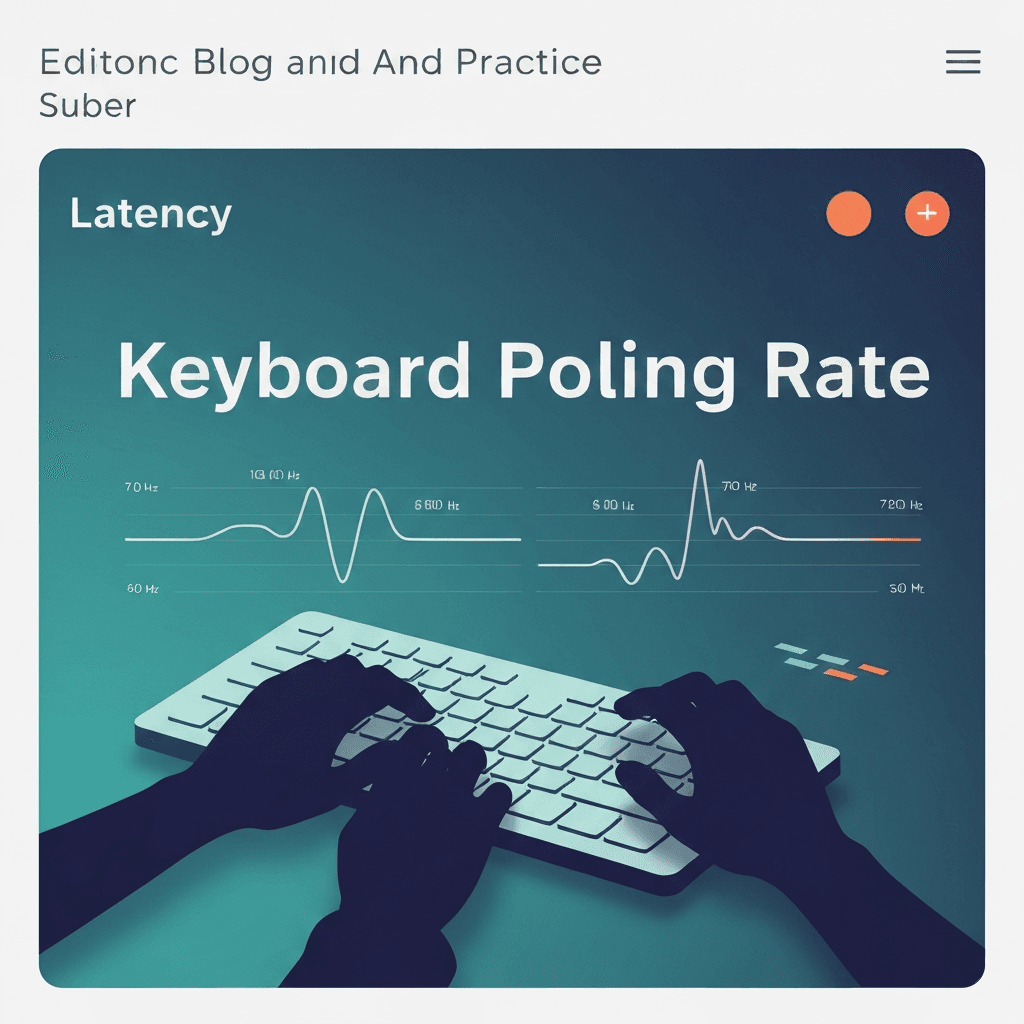
Polling caps average wait; latency includes everything else
Keyboard polling rate vs latency is not one number. Polling sets the maximum delay before the host notices a change. Latency adds scan matrix time, debounce, wireless encode, OS scheduling, and app rendering.
A 1000 Hz poll does not fix a 30 ms Bluetooth stack or a heavy browser tab.
If spacing looks fine but WPM is flat, return to accuracy drills; hesitation masquerades as hardware lag.
If spacing looks fine but WPM is flat, return to accuracy drills; hesitation masquerades as hardware lag.
Try the polling rate primer
Tap steadily to sample gaps between keydown events in this browser—approximate Hz tiers for comparing setups, not a certified USB descriptor readout.
Open polling rate primerTypists feel the sum, not the spec
Rhythm typing notices uneven release timing more than a missing 0.2 ms on paper. Run the polling lab for spacing, then the latency sampler for press-to-screen delay on the same machine.
Fix the larger measured gap first—often wireless power management, not Hz.
Pair Hz estimates with the latency lab when rhythm still feels late despite tight polling tiers.
Pair Hz estimates with the latency lab when rhythm still feels late despite tight polling tiers.
When to stop tuning hardware
If both spacing and latency look healthy but accuracy is flat, return to lessons and timed tests. Software skill dominates once input is sub-5 ms class.
Document both screenshots when posting comparisons so readers see which bottleneck you solved.
Log median gap and sample count together—a stable median with wild max gaps often means wireless batching, not broken switches.
Compare wired and Bluetooth on the same browser profile so OS differences do not masquerade as keyboard quality.
Continue practicing
This cluster is about Hz and event spacing. Run the polling primer to compare setups, then use the latency sampler and a timed test when feel and scores matter.