- 5/17/2026
- Updated 5/17/2026
1 kHz vs 8 kHz Polling Keyboards: What Changes for Real Typists
Compare 1000 Hz and 8000 Hz without esports hype. See measurable spacing differences, CPU trade-offs, and why browser tests usually cluster at 1 kHz.
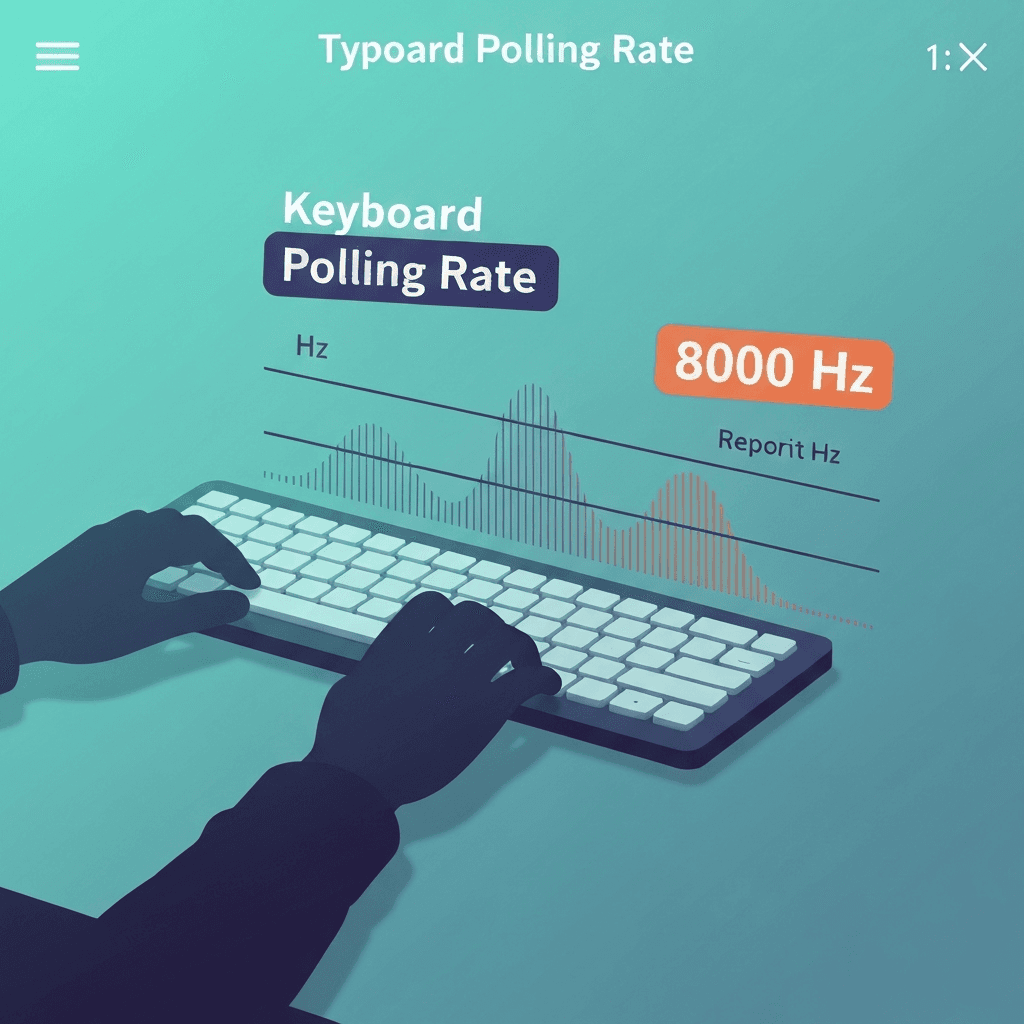
The gap is seven-eighths of a millisecond on paper
1k vs 8k polling rate keyboard math: average extra wait shrinks from ~0.5 ms to ~0.0625 ms in an ideal poll-only model. Human perception and OS scheduling swamp that for prose.
Competitive players chase consistency frame to frame; typists chase accuracy over minutes.
Compare wired and Bluetooth on the same browser profile so OS differences do not masquerade as keyboard quality.
If spacing looks fine but WPM is flat, return to accuracy drills; hesitation masquerades as hardware lag.
Try the polling rate primer
Tap steadily to sample gaps between keydown events in this browser—approximate Hz tiers for comparing setups, not a certified USB descriptor readout.
Open polling rate primerCosts: CPU, cable, and compatibility
8 kHz modes can raise CPU use and require specific ports or drivers. Laptops on battery may downshift without telling you in the marketing footer.
A stable 1 kHz wired profile is often the better daily driver for long reports.
Weekly resamples beat hourly obsession—measure when hardware, firmware, or major browser versions change.
After you change dongles or USB ports, resample event spacing before you judge a typing score from the same night.
How to compare fairly
Toggle modes in vendor software, run the polling lab, then the latency sampler, then the same timed test text. Compare medians, not cherry-picked best runs.
If browser spacing looks identical, trust your fingers—you are already in 1 kHz delivery land.
Log median gap and sample count together—a stable median with wild max gaps often means wireless batching, not broken switches.
Compare wired and Bluetooth on the same browser profile so OS differences do not masquerade as keyboard quality.
Continue practicing
This cluster is about Hz and event spacing. Run the polling primer to compare setups, then use the latency sampler and a timed test when feel and scores matter.