- 5/18/2026
- Updated 5/18/2026
Typing Test Warm-Up Routine That Separates Hardware from Skill
A typing test warm-up should include keyboard preflight—not only finger stretches. Bench keys, latency, and bounce, then run a calm 1-minute score you can trust.
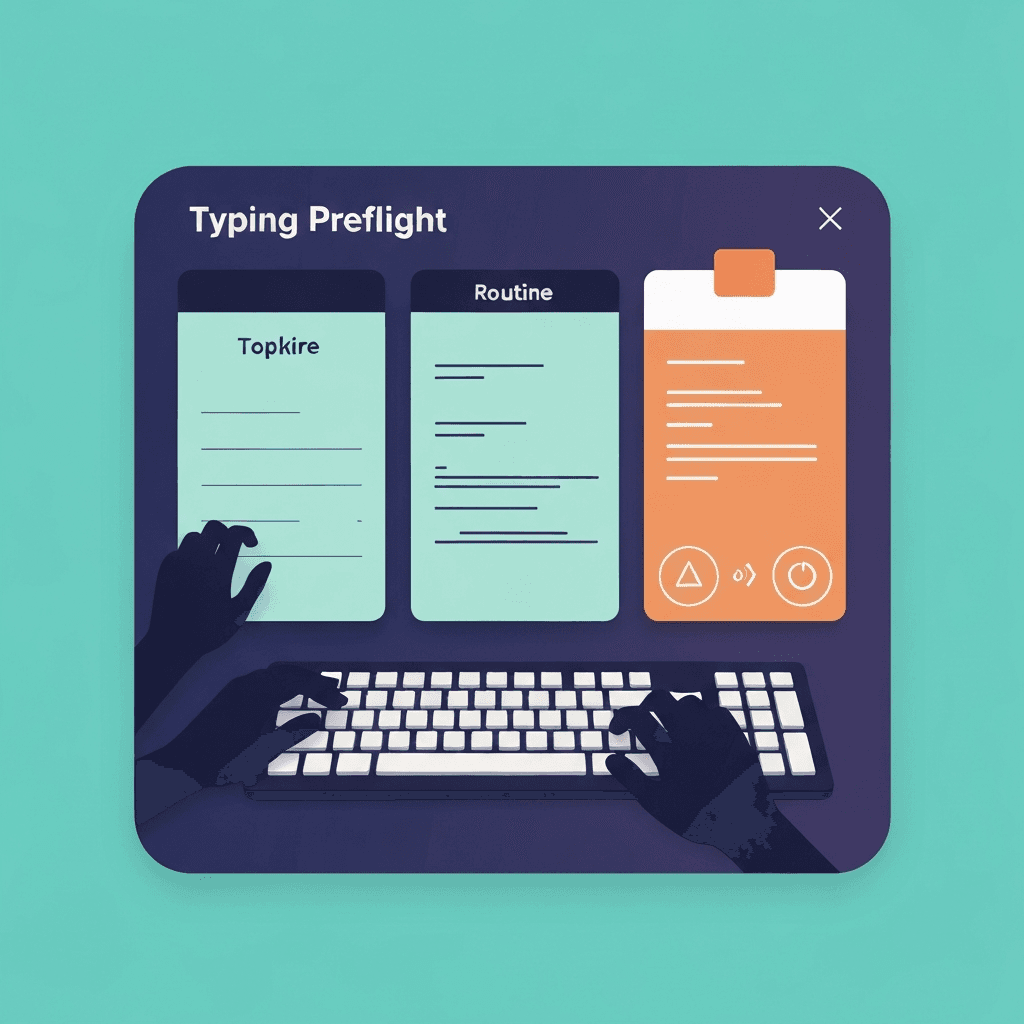
Warm-up is mental and mechanical
Shake out shoulders, then verify the machine: preflight catches issues stretches cannot fix.
Athletes check equipment before time trials; typists deserve the same respect for scored runs.
If preflight passes but WPM still swings, compare passage difficulty before buying hardware.
Tap one letter lightly in debounce step three; holding triggers OS repeat, not switch chatter.
Try typing preflight
Walk the key map, sample browser latency, and check debounce in one checklist—then read your boarding pass before a timed WPM test.
Start typing preflightKeep the warm-up short enough to repeat
Three focused steps fit between meetings better than a twenty-minute rabbit hole of unrelated gadgets.
Save deep polling or rollover labs for days you suspect chords—not daily prose benchmarks.
Travel kits deserve preflight on wired and Bluetooth the same day you pack them.
Sample latency on the cable and profile you will use for interviews, not only on battery saver at a café.
End warm-up with one honest benchmark
Use the boarding pass CTA to open a one-minute test at conversational pace, not sprint mode.
Log gross WPM and accuracy in one line so weekly reviews stay comparable.
Revisit the checklist weekly during certification prep; daily obsession adds noise without signal.
When step two shows high lag, close heavy tabs once before replacing the keyboard.
Continue practicing
This cluster is about benching before you benchmark. Run the three-step preflight when setup changes, read the boarding pass, then open a one-minute test with fewer hardware surprises.