- 5/18/2026
- Updated 5/18/2026
Typing Preflight Boarding Pass: When You Are Ready to Benchmark
The typing preflight boarding pass summarizes key map, latency, and debounce results—cleared for takeoff or review first. Learn how to use it before a 1-minute WPM test.
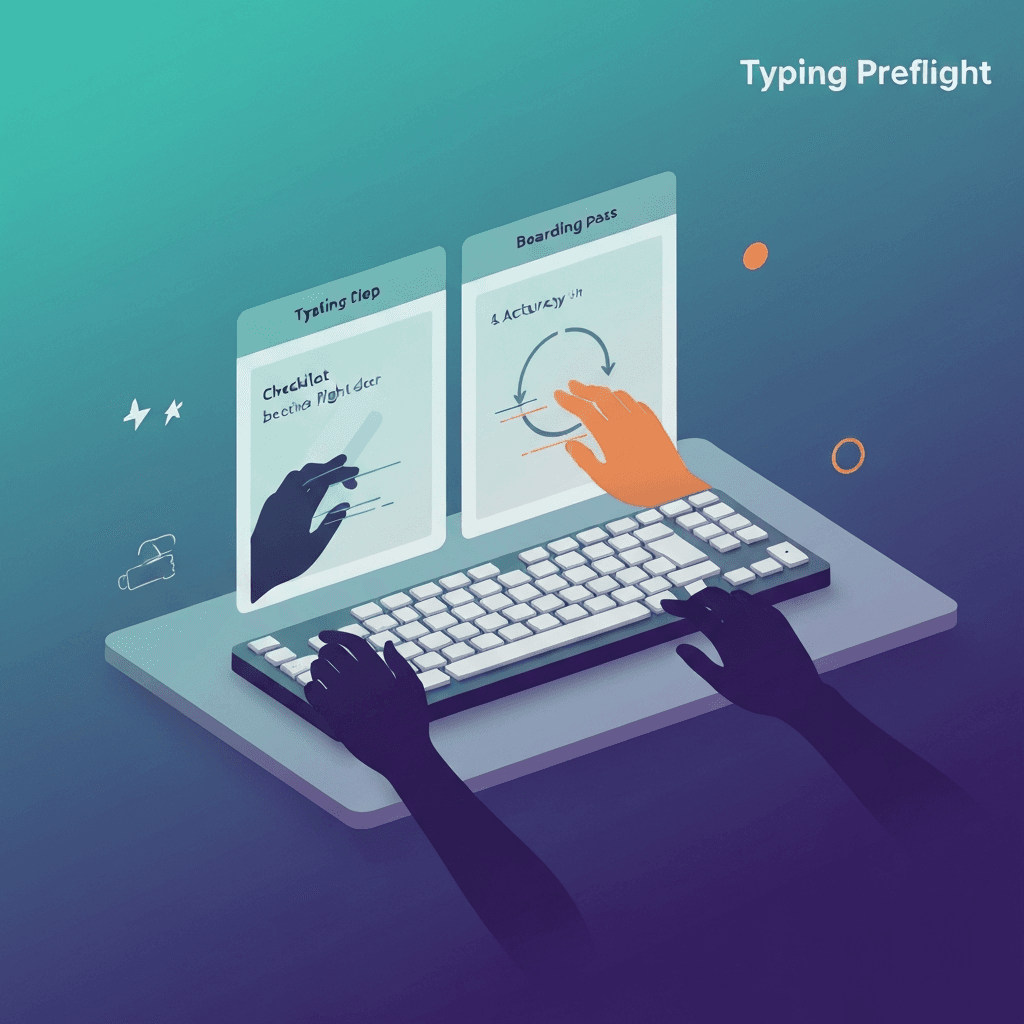
Three badges, one decision
Each step shows pass, watch, or fail based on in-browser rules—not employer cutoffs. Cleared for takeoff means all three met the friendly thresholds.
Watch states still let you benchmark, but they flag what to fix before an interview or certification attempt.
Run the three-step preflight after any keyboard swap, dongle change, or major browser update—then log whether the boarding pass cleared.
Travel kits deserve preflight on wired and Bluetooth the same day you pack them.
Try typing preflight
Walk the key map, sample browser latency, and check debounce in one checklist—then read your boarding pass before a timed WPM test.
Start typing preflightFlight code TF-1M is a reminder, not a ticket
The summary nudges you toward a one-minute typing test on Type Faster after preflight—not a third-party site with different word rules.
Use query parameters if you want analytics to know you arrived from preflight.
If preflight passes but WPM still swings, compare passage difficulty before buying hardware.
Tap one letter lightly in debounce step three; holding triggers OS repeat, not switch chatter.
Start over when the setup changes
New keyboard mid-session? Hit start over so old key map data does not confuse step three.
Deep dives on polling or rollover remain in the labs grid linked from the boarding pass footer.
Finish step one before blaming latency: a dead Shift key mimics sloppy accuracy on timed tests.
Tap one letter lightly in debounce step three; holding triggers OS repeat, not switch chatter.
Continue practicing
This cluster is about benching before you benchmark. Run the three-step preflight when setup changes, read the boarding pass, then open a one-minute test with fewer hardware surprises.