- 5/18/2026
- Updated 5/18/2026
Typing Preflight Checklist for Honest WPM Scores
Use this typing preflight checklist before timed tests: walk the layout, sample latency, check debounce, read your boarding pass—then run a 1-minute benchmark with fewer surprises.
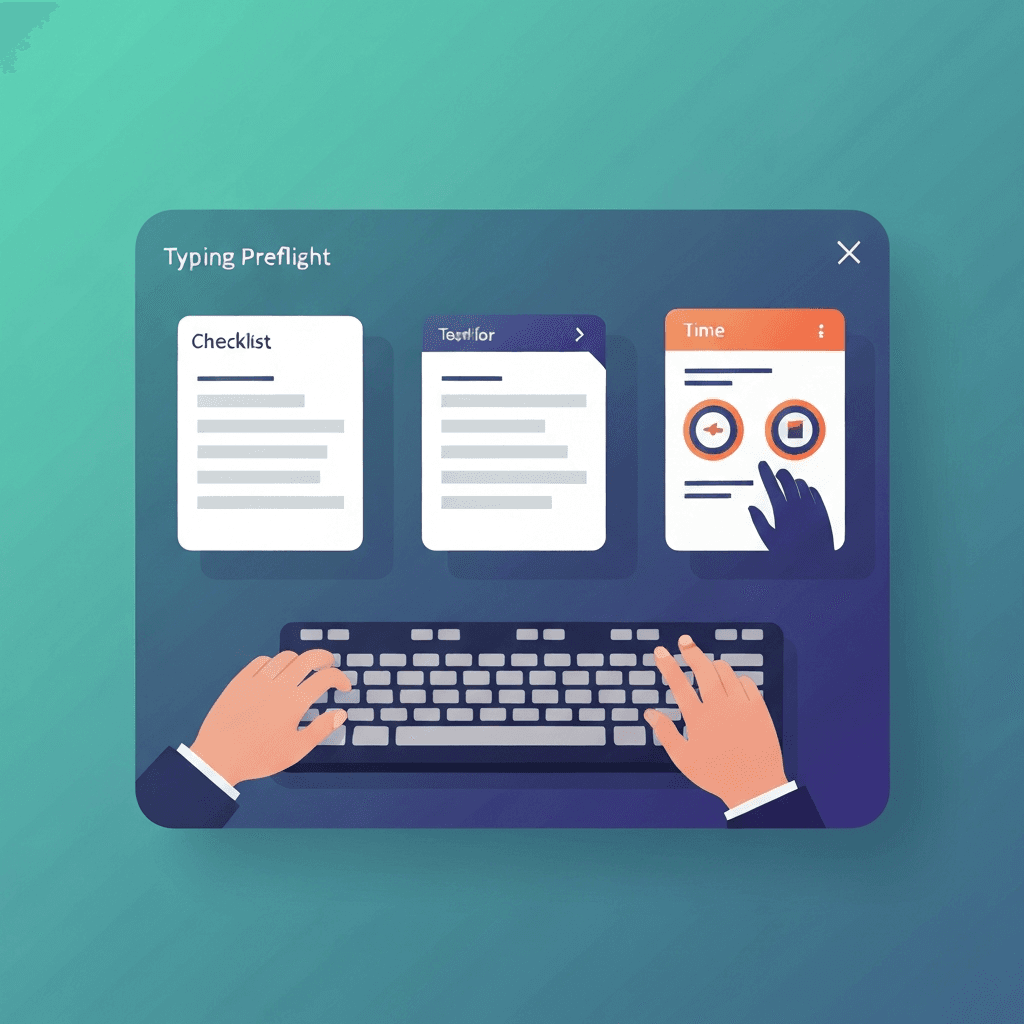
Step 1 — register every physical key
Press each key once on the layout you actually use for work. Sticky switches and missed corners show up as gaps before they ruin a scored run.
You do not need a perfect rhythm here—coverage matters more than speed.
Finish step one before blaming latency: a dead Shift key mimics sloppy accuracy on timed tests.
When step two shows high lag, close heavy tabs once before replacing the keyboard.
Try typing preflight
Walk the key map, sample browser latency, and check debounce in one checklist—then read your boarding pass before a timed WPM test.
Start typing preflightStep 2 — sample latency at natural pace
Tap letters the way you type prose, not mash tests. Five or more samples build a band for browser input lag on this machine.
Compare wired versus Bluetooth on the same tab if wireless feels mushy.
If preflight passes but WPM still swings, compare passage difficulty before buying hardware.
When step two shows high lag, close heavy tabs once before replacing the keyboard.
Step 3 — debounce, then read the boarding pass
Light taps on one letter reveal rapid double keydowns. Zero bounce events is a good sign; several may mean cable, switch, or repeat settings deserve attention.
The boarding pass summarizes pass, watch, or fail per step and links straight to a timed test when you are ready.
Finish step one before blaming latency: a dead Shift key mimics sloppy accuracy on timed tests.
If preflight passes but WPM still swings, compare passage difficulty before buying hardware.
Continue practicing
This cluster is about benching before you benchmark. Run the three-step preflight when setup changes, read the boarding pass, then open a one-minute test with fewer hardware surprises.