- 5/18/2026
- Updated 5/18/2026
Keyboard Preflight Before a Typing Test: What to Check First
Keyboard preflight before a typing test should cover keys, input lag, and bounce—not just WPM hype. Learn the order and free tools that keep benchmarks fair.
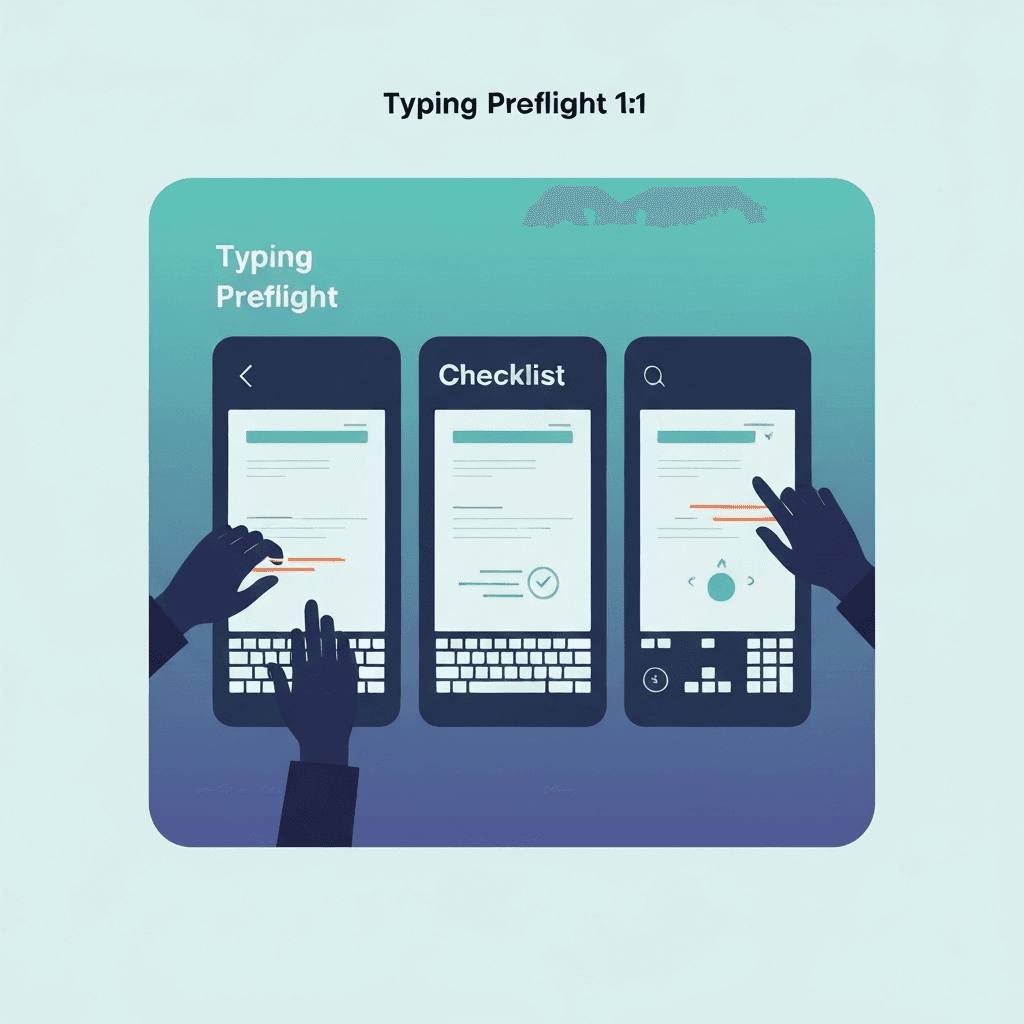
Hardware surprises masquerade as bad days
A dead punctuation key, Bluetooth dropout, or chatter on Enter can drop accuracy without changing how hard you practiced.
Five minutes of preflight separates “I am rusty” from “this deck is lying to the timer.”
Travel kits deserve preflight on wired and Bluetooth the same day you pack them.
Run the three-step preflight after any keyboard swap, dongle change, or major browser update—then log whether the boarding pass cleared.
Try typing preflight
Walk the key map, sample browser latency, and check debounce in one checklist—then read your boarding pass before a timed WPM test.
Start typing preflightDo not skip straight to the stopwatch
Leaderboards reward peak WPM, but employers and coaches care whether the sample was representative. Preflight makes the sample defensible.
Screenshot your boarding pass when IT or warranty teams ask what you tested.
Travel kits deserve preflight on wired and Bluetooth the same day you pack them.
Run the three-step preflight after any keyboard swap, dongle change, or major browser update—then log whether the boarding pass cleared.
Pair preflight with the same test mode you care about
After keys and input feel stable, run the duration you will report—often one minute on plain prose.
If scores still diverge from feel, compare net versus gross rules before blaming switches.
Run the three-step preflight after any keyboard swap, dongle change, or major browser update—then log whether the boarding pass cleared.
Travel kits deserve preflight on wired and Bluetooth the same day you pack them.
Continue practicing
This cluster is about benching before you benchmark. Run the three-step preflight when setup changes, read the boarding pass, then open a one-minute test with fewer hardware surprises.