- 5/17/2026
- Updated 5/17/2026
Keyboard Polling Rate Test Free in Your Browser (No Install)
Measure key event spacing without downloads or accounts. See what a histogram reveals, limits of web APIs, and how to interpret results next to latency tests.
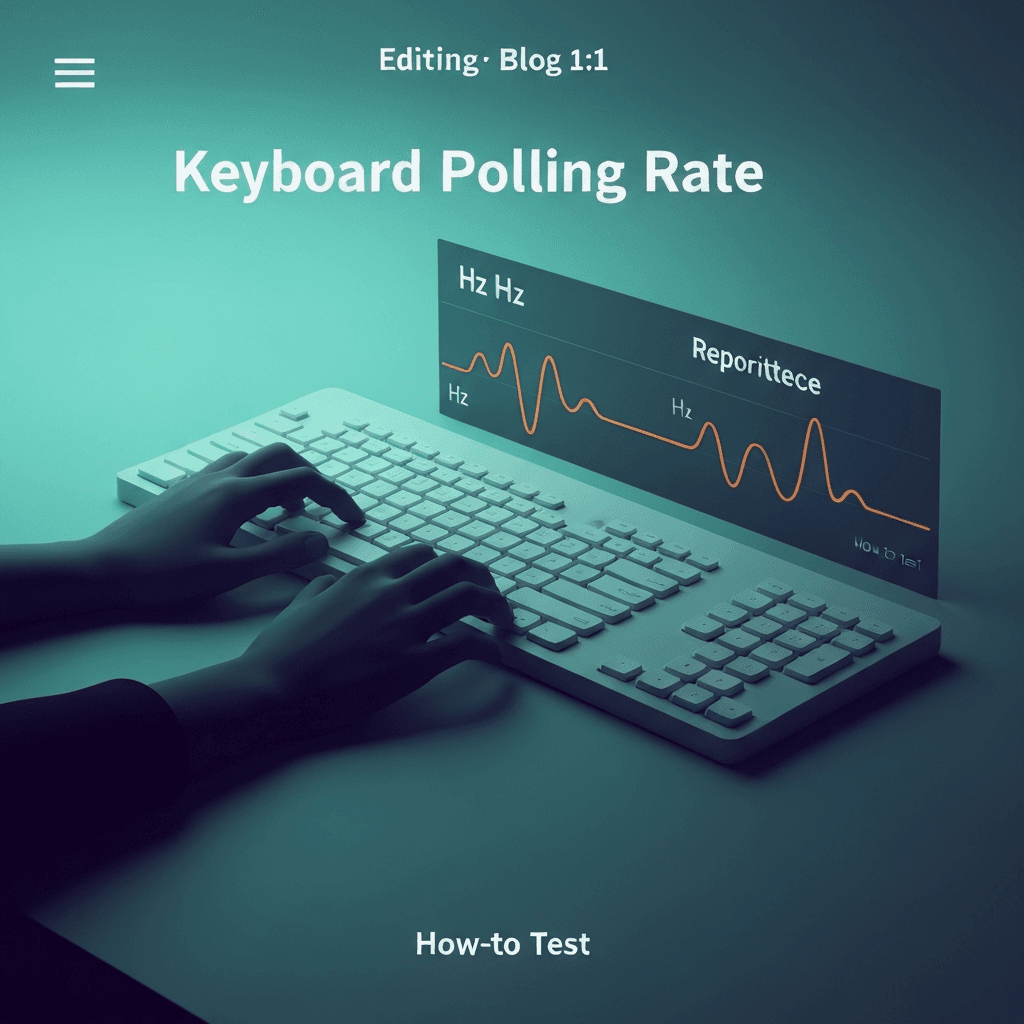
Free browser tests trade depth for convenience
A polling rate test keyboard page in the browser uses standard key events and high-resolution clocks. You get spacing statistics quickly on any machine you already use for work.
You do not get raw USB descriptors or guaranteed access to 8000 Hz modes—that requires native tools and the right OS driver stack.
Compare wired and Bluetooth on the same browser profile so OS differences do not masquerade as keyboard quality.
Screenshot tier labels when IT asks for proof; approximate Hz language is clearer than subjective “sluggish.”
Try the polling rate primer
Tap steadily to sample gaps between keydown events in this browser—approximate Hz tiers for comparing setups, not a certified USB descriptor readout.
Open polling rate primerHow to run a clean sample
Plug in wired if you are comparing gaming claims. Tap one key rhythmically, then try a short real sentence so you see prose-like timing too.
Ignore single outlier spikes from alt-tabbing; look at the bulk of the histogram.
Log median gap and sample count together—a stable median with wild max gaps often means wireless batching, not broken switches.
If spacing looks fine but WPM is flat, return to accuracy drills; hesitation masquerades as hardware lag.
What to do with the result
Stable near-1 ms spacing: your daily path is likely 1000 Hz class. Wide flat gaps: expect more input lag in fast games; for typing, pair with the latency lab and a WPM run.
Save a screenshot when comparing two boards before return windows close.
Treat 8 kHz marketing as a ceiling; debounce and transport still dominate what prose typists feel day to day.
If spacing looks fine but WPM is flat, return to accuracy drills; hesitation masquerades as hardware lag.
Continue practicing
This cluster is about Hz and event spacing. Run the polling primer to compare setups, then use the latency sampler and a timed test when feel and scores matter.