- 5/17/2026
- Updated 5/17/2026
How to Check Keyboard Polling Rate Honestly (Browser + USB Sanity Checks)
Avoid fake “Hz detectors” that guess from brand names. Learn a repeatable browser method, when to use vendor tools, and how to compare two boards on the same PC.
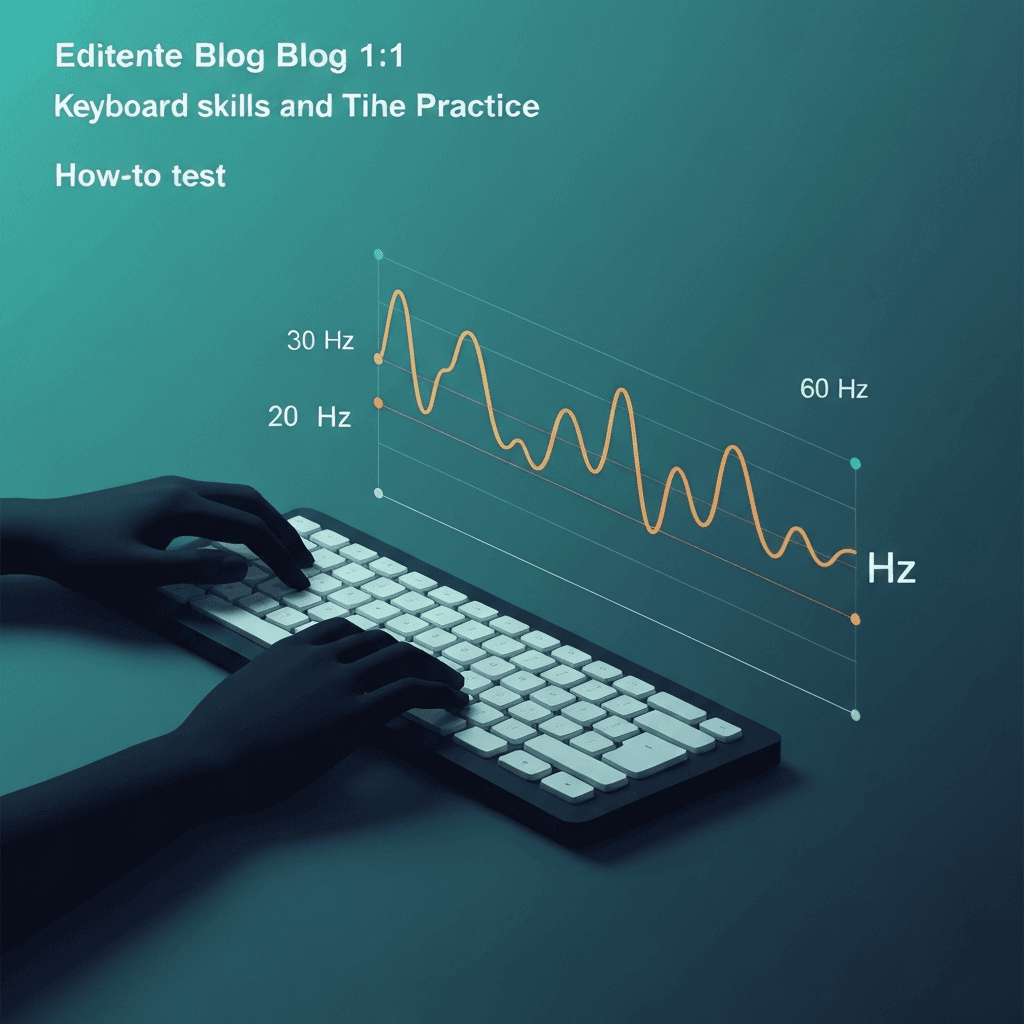
Start with a controlled burst in one browser tab
Focus the polling lab, press and release a single key rapidly for a few seconds, and read the median gap between keydown events. Near 1 ms suggests 1000 Hz delivery; near 8 ms suggests 125 Hz.
Close heavy extensions and avoid recording software that hooks input—those layers add noise to honest checks.
Pair Hz estimates with the latency lab when rhythm still feels late despite tight polling tiers.
Close heavy tabs before sampling; compositor scheduling can widen gaps that look like low polling.
Try the polling rate primer
Tap steadily to sample gaps between keydown events in this browser—approximate Hz tiers for comparing setups, not a certified USB descriptor readout.
Open polling rate primerChange one variable at a time
Retest after swapping USB port, dongle, or cable. A board that polls fast on the front port and slow through a hub is a desk problem, not a broken switch.
Match the connection you use for real work: Bluetooth results belong in the Bluetooth column of your notes.
Close heavy tabs before sampling; compositor scheduling can widen gaps that look like low polling.
Close heavy tabs before sampling; compositor scheduling can widen gaps that look like low polling.
Cross-check when numbers look wrong
If the browser shows 125 Hz but the box claims 1000 Hz, try the vendor desktop app on Windows or a known-good Linux evdev trace. Browsers cannot see firmware modes the OS hides.
Still typing fine? Log spacing for curiosity, then run a timed test—accuracy beats Hz on spreadsheets.
Pair Hz estimates with the latency lab when rhythm still feels late despite tight polling tiers.
Steady tapping beats frantic mashing—auto-repeat and missed releases skew intervals faster than honest rhythm.
Continue practicing
This cluster is about Hz and event spacing. Run the polling primer to compare setups, then use the latency sampler and a timed test when feel and scores matter.