Keyboard break guides
Typing break & typing games guides
Guides for keyboard breaks on your physical keyboard—reset focus after timed tests, then jump back into real practice. Mini-games require a member account; no WPM leaderboard.
Member games
Play typing break games on your keyboard
Eighteen mini-games—reaction, rhythm, word flow, calm, and numpad breaks—designed to reset your hands between timed WPM runs.
Step 1
Pick a break game
Reaction, calm rhythm, or numpad mini-games—about one to three minutes.
Step 2
Play on your physical keyboard
Same keys you use for typing tests—no controller required.
Step 3
Return to timed practice
Jump to a 1-minute test or drill when focus feels reset.
Sign in to play. No WPM leaderboard on typing games.
When to take a keyboard break →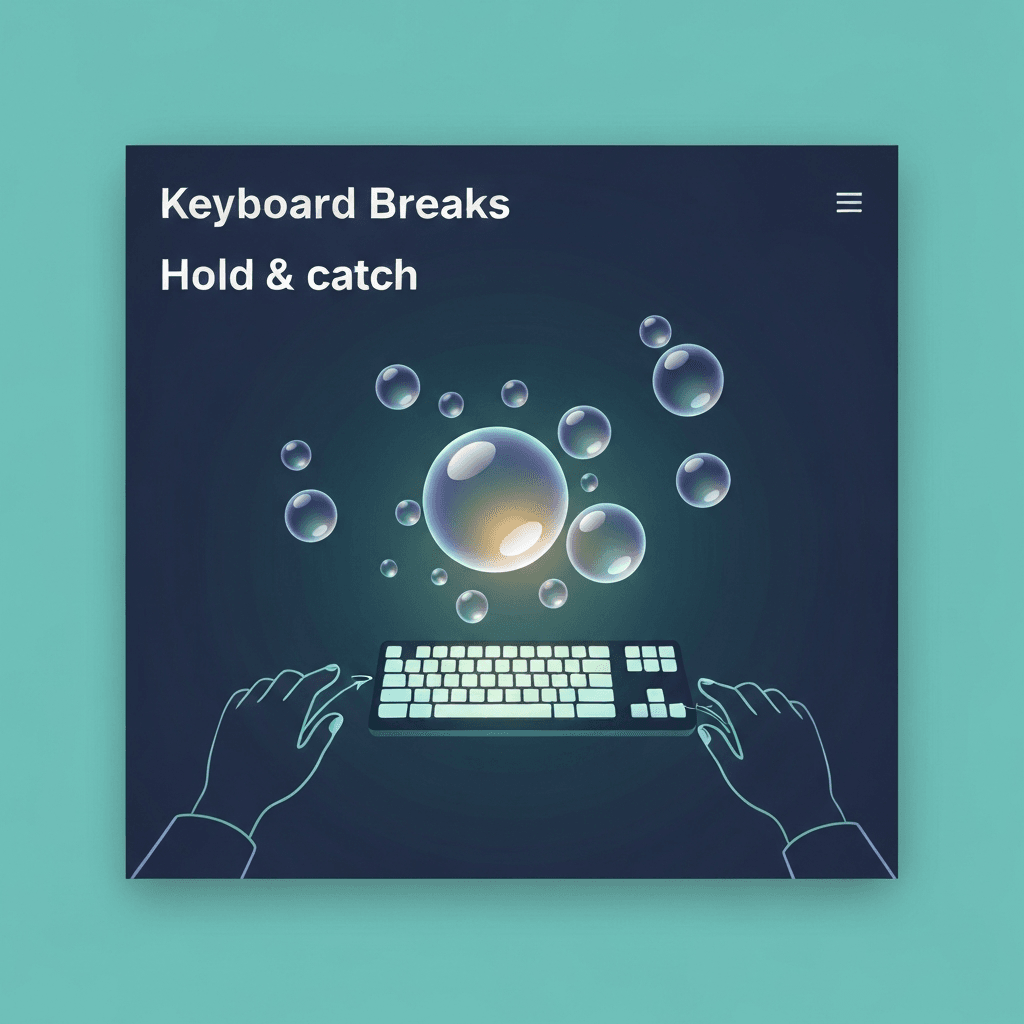
Keyboard Breaks · Hold & catch
Key Rain Shelter: Hold-and-Catch Typing Break for Steady Key Contact
Key Rain Shelter drops letters toward a shelter band—hold the matching key to catch them. A calm sixty-second typing break with no WPM leaderboard before your next benchmark.
Read guide
Keyboard Breaks · Untimed
Zen Garden Keys: Untimed Typing Break With No Score and No Timer
Press letter keys to grow plants that fade on their own—no session timer, no WPM. The slowest typing break on Type Faster for mindful recovery between harsh benchmarks.
Read guide
Keyboard Breaks · Skills
Memory and Editing Typing Breaks: Key Echo and Backspace Breeze
Reset wrong-key errors with Key Echo pattern recall, then calm delete discipline in Backspace Breeze—sixty-second typing games that teach patience before you hammer corrections.
Read guide
Keyboard Breaks · Number row
Number Drip: Number-Row Typing Break for Digits 0–9
Hold matching number-row keys as digits drip into the catch zone—a sixty-second typing game for main-keyboard digits, not numpad scores, with a clear handoff to drills and benchmarks.
Read guide
Keyboard Breaks · Modifiers
Shift Glow: Capital-Letter Typing Game for Modifier Rhythm and Clean Shift Timing
Shift Glow trains two-step capital timing—hold Shift, tap the letter, release—without WPM pressure. Use this modifier typing break before punctuation tests or hiring screens.
Read guide