- 5/17/2026
- Updated 5/17/2026
WPM Calculator Test: Re-score an Attempt Without Retyping the Passage
Already finished a typing test and need WPM again? Use calculator math on saved character counts, and learn when retaking the passage is fairer than converting old logs.
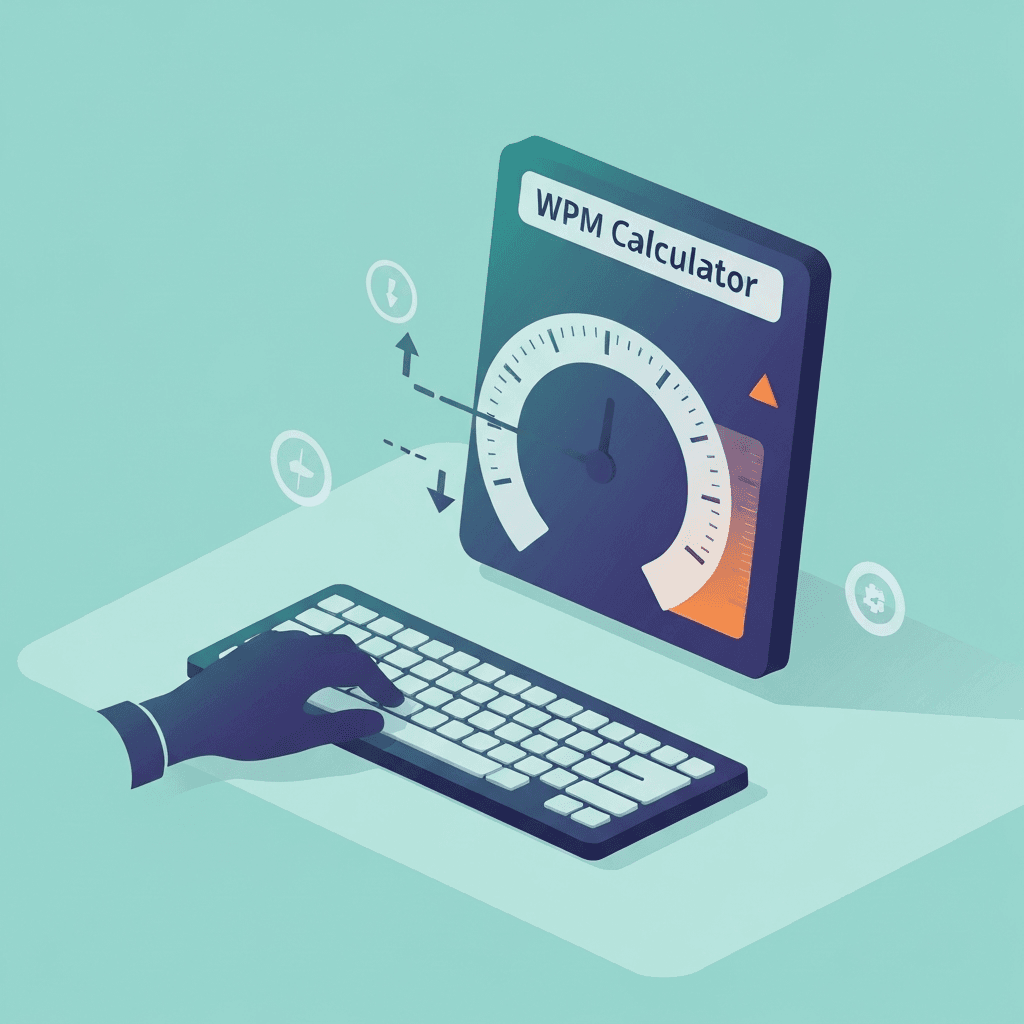
Re-scoring works when raw counts are trustworthy
If a platform exports characters typed and elapsed seconds, you can recompute WPM without loading the same text.
If you only remember a rounded WPM, you cannot reconstruct an honest character total.
Treat hourly KPH targets as test translations, not promises about an entire work shift without breaks.
After scratch math, run the KPH converter once if the job spec uses keystrokes per hour instead of words per minute.
Try the WPM calculator
Enter characters typed and seconds from any passage—or jump to the KPH section when a job spec lists keystrokes per hour instead of words per minute.
Open WPM calculatorMemorized passages inflate repeat attempts
Calculating WPM from a memorized retry is mathematically fine but misleading for skill tracking.
Use fresh text when the goal is improvement, not just verifying arithmetic.
If gross and net diverge, slow down for one accuracy-first minute before you trust any calculator output.
When a reading or speech calculator appears in search results, label your notes as keyboard WPM only.
Log the source next to every calculated score
Note vendor name, duration, and whether the score was gross or net beside calculator output.
That habit keeps weekly charts honest when you mix tests, homework, and employer screens.
When a reading or speech calculator appears in search results, label your notes as keyboard WPM only.
Pair calculator results with the in-context lab when you need motivational bands, not fake percentiles.
Continue practicing
This cluster is about scratch-pad math and conversions. Use the calculator when you already have character counts or KPH targets, then confirm with a timed test when the score matters.