- 5/18/2026
- Updated 5/18/2026
When Typing Scores Feel Wrong, Run Preflight First
Sudden WPM drops or accuracy cliffs? Run typing preflight before you change technique—keys, latency, and bounce explain many “off days” without extra drills.
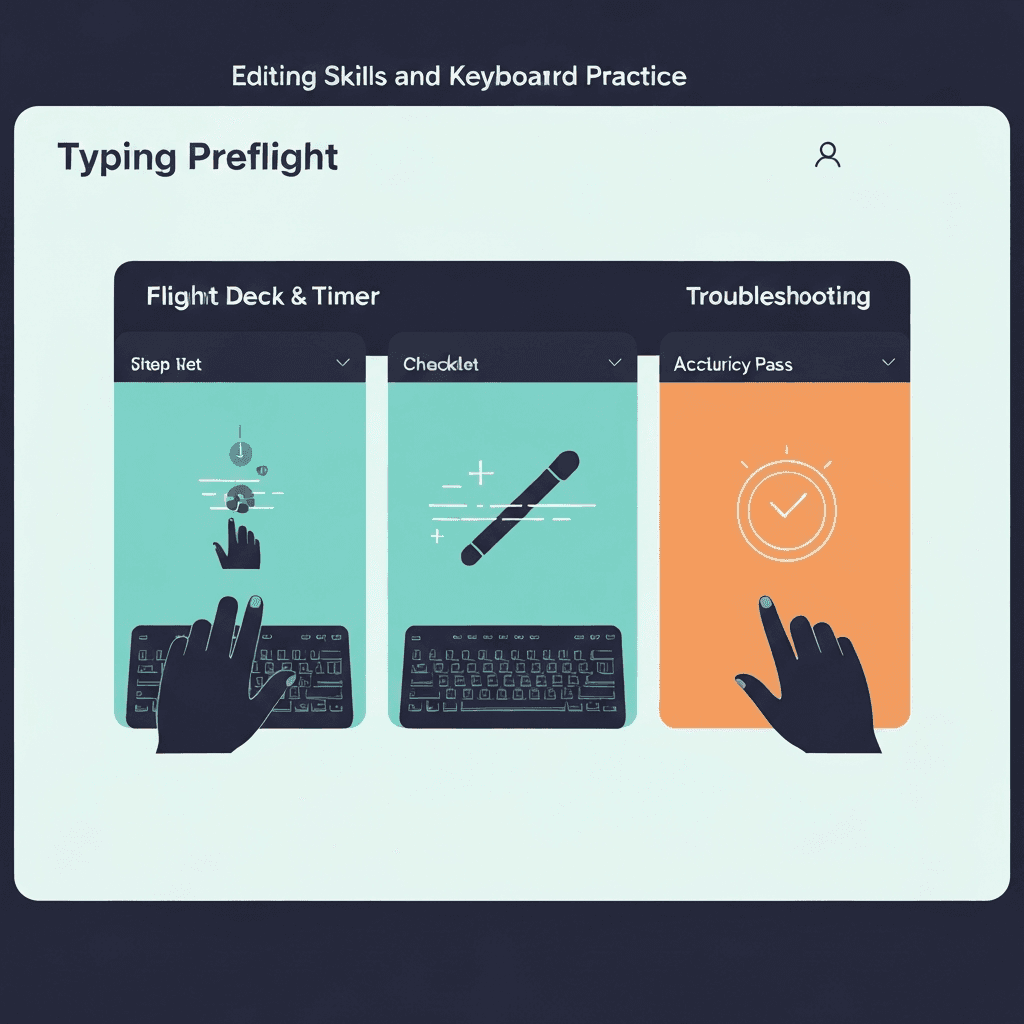
Separate signal from noise
Harder passages, cold fingers, and distraction move scores. So do dead keys and double letters.
Preflight takes five minutes and rules out the mechanical story before you rewrite your training plan.
Screenshot the boarding pass when IT asks what you tested—pass, watch, and fail badges beat adjectives.
Travel kits deserve preflight on wired and Bluetooth the same day you pack them.
Try typing preflight
Walk the key map, sample browser latency, and check debounce in one checklist—then read your boarding pass before a timed WPM test.
Start typing preflightCompare today to last cleared boarding pass
If step results worsened, hardware or browser state changed. If preflight still passes, look at sleep, stress, and text genre.
Log both preflight outcomes and WPM in the same note for two weeks.
Revisit the checklist weekly during certification prep; daily obsession adds noise without signal.
If preflight passes but WPM still swings, compare passage difficulty before buying hardware.
Return to benchmarks only after pass
Fix watch or fail items, rerun preflight, then attempt a record pace.
Chasing peak WPM on a chatter-prone spacebar trains bad corrections you will need to unlearn later.
Revisit the checklist weekly during certification prep; daily obsession adds noise without signal.
Tap one letter lightly in debounce step three; holding triggers OS repeat, not switch chatter.
Continue practicing
This cluster is about benching before you benchmark. Run the three-step preflight when setup changes, read the boarding pass, then open a one-minute test with fewer hardware surprises.