- 5/15/2026
- Updated 5/15/2026
WASD vs Arrow Keys: Which Layout Builds Better Input Skill?
Compare WASD and arrow-key practice for games, ergonomics, and measured direction-keys performance. Choose a layout and train it deliberately.
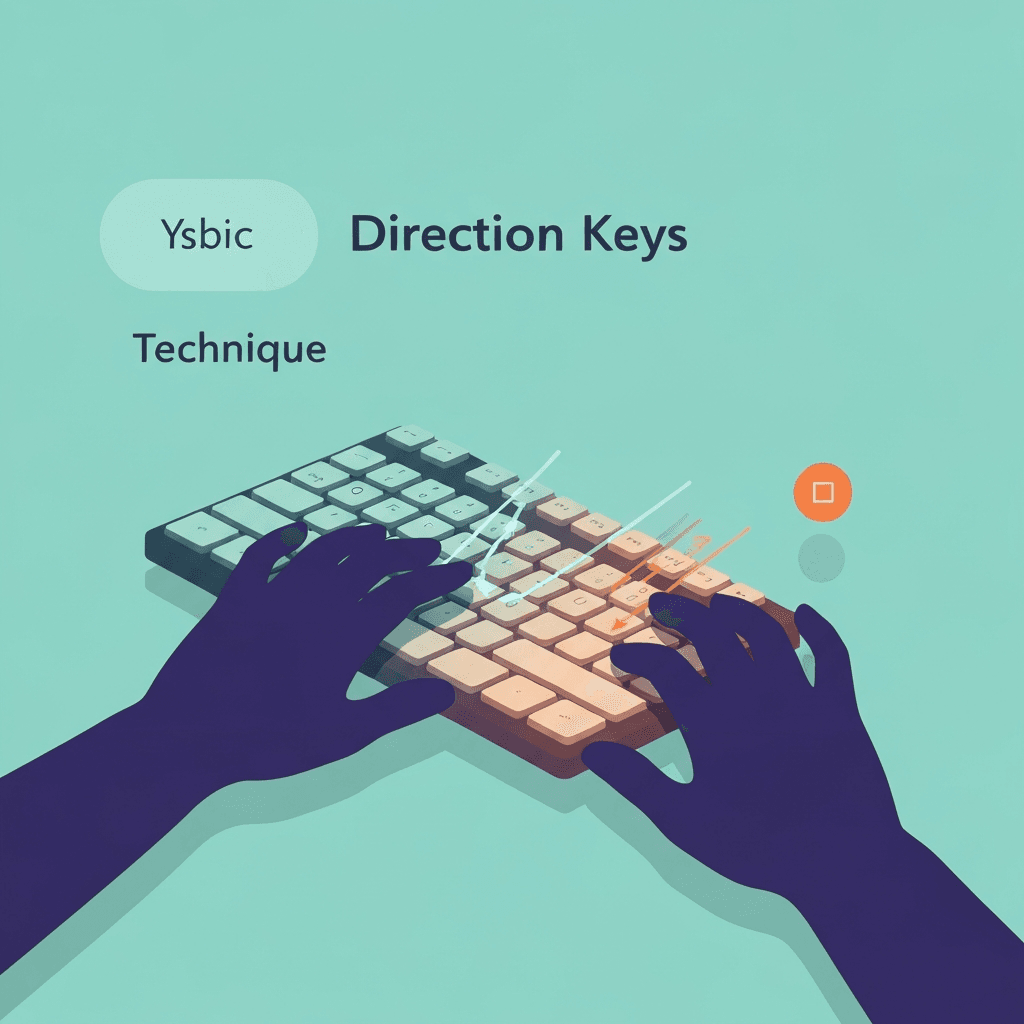
Pick the layout your games and desk support
WASD keeps your hands on the home row cluster; dedicated arrows can feel more natural for menu navigation and some retro titles. Consistency matters more than which side wins online debates.
Direction-keys typing tests accept arrow keys and WASD mappings where supported, so you can benchmark the layout you actually play with.
Treat mistakes as data: note whether errors are wrong direction, late direction, or double taps. Each failure mode needs a different fix.
When teaching others, celebrate accuracy milestones before speed records. Learners stick with training when wins feel achievable.
Interactive Practice
Try this direction keys tool right here
Run the same test discussed in this article without leaving the page.
Ergonomics change the winner
Compact laptops may bury arrows in a corner, making WASD more comfortable. Full-size boards with a tall arrow cluster may favor traditional placement for long sessions.
If one layout causes wrist extension, rotate practice toward the other for part of the week while you adjust chair and desk height.
After reading this section, run one short direction-keys test at controlled pace and note accuracy before speed. Arrow drills reward clean presses more than frantic tapping.
If you play games or teach keyboard labs, log which arrow directions cost you the most corrections. Your next session can overweight that direction until it feels automatic.
Benchmark one layout per session
Mixing layouts in the same timed run confuses muscle memory. Test WASD on one day and arrows on another, then compare accuracy and comfort, not just peak speed.
Record which layout you used so progress charts stay honest when you review results later.
One-handed play deserves smaller goals: track wrong-direction rate, not esports clips. Celebrate three clean minutes before you stretch session length.
Diagonal and eight-way movement still rests on clean cardinal presses. Master ↑↓←→ on the checker before you add numpad diagonals or custom remaps.
Continue practicing
The in-page typing tool uses direction-keys mode (↑ ↓ ← →). Open the full direction-keys test for a clean-screen run, or check the leaderboard for your rank.