- 3/18/2026
- Updated 3/18/2026
Keyboard Setup That Supports Typing Speed
Small ergonomics and environment adjustments can improve comfort, reduce error frequency, and raise sustained typing output.
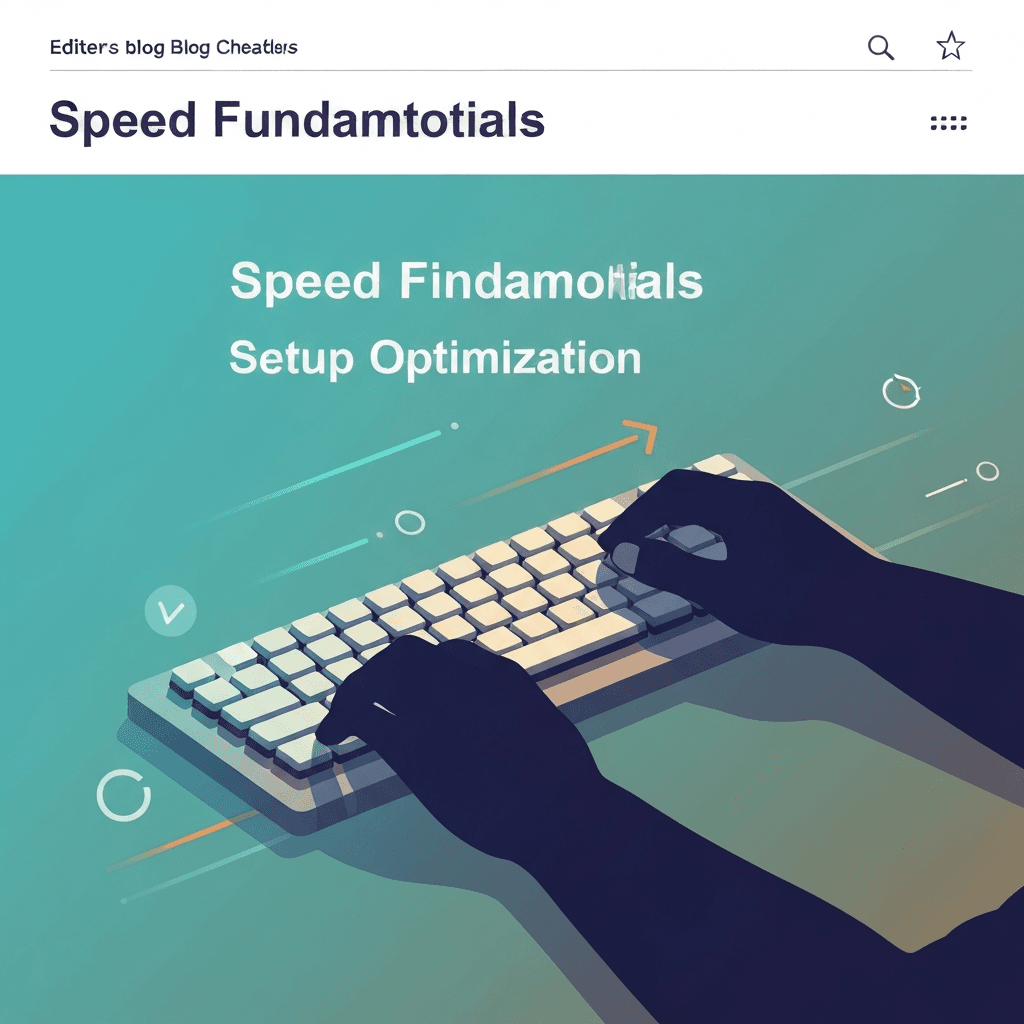
Comfort improves speed consistency
When wrist angle and seating are off, error recovery becomes slower and fatigue rises earlier. Comfortable setup reduces micro-tension that interrupts flow.
You do not need expensive gear. Correct desk height, screen placement, and key feel consistency often produce immediate measurable gains.
When you practice, say the goal out loud in one sentence—such as “smooth rhythm at 95% accuracy”—so the session has a clear success condition instead of vague “go faster” pressure.
Speed work sticks best when it stays controlled. Use the next few sessions to cap how fast you allow yourself to go until mistakes stay rare, then raise the ceiling gradually. That restraint usually produces higher sustainable WPM than repeated sprints.
Interactive Practice
Try this 1 minute tool right here
Run the same test discussed in this article without leaving the page.
What to adjust first
Set elbows near ninety degrees, keep shoulders relaxed, and place the keyboard so hands stay neutral. Use key repeat and OS settings that match your typing style.
After each adjustment, run the same benchmark format for three sessions. Keep only changes that improve both speed and perceived comfort.
Speed work sticks best when it stays controlled. Use the next few sessions to cap how fast you allow yourself to go until mistakes stay rare, then raise the ceiling gradually. That restraint usually produces higher sustainable WPM than repeated sprints.
When you practice, say the goal out loud in one sentence—such as “smooth rhythm at 95% accuracy”—so the session has a clear success condition instead of vague “go faster” pressure.
Continue practicing
The in-page typing tool matches this article’s duration preset. Open the full test for other durations and settings, or jump into a drill to target weak keys.