- 5/18/2026
- Updated 5/18/2026
Typing Preflight vs Running Single Keyboard Labs
Should you run typing preflight or open latency, debounce, and key map labs separately? Compare order, saved progress, and when deep single-topic tests still win.
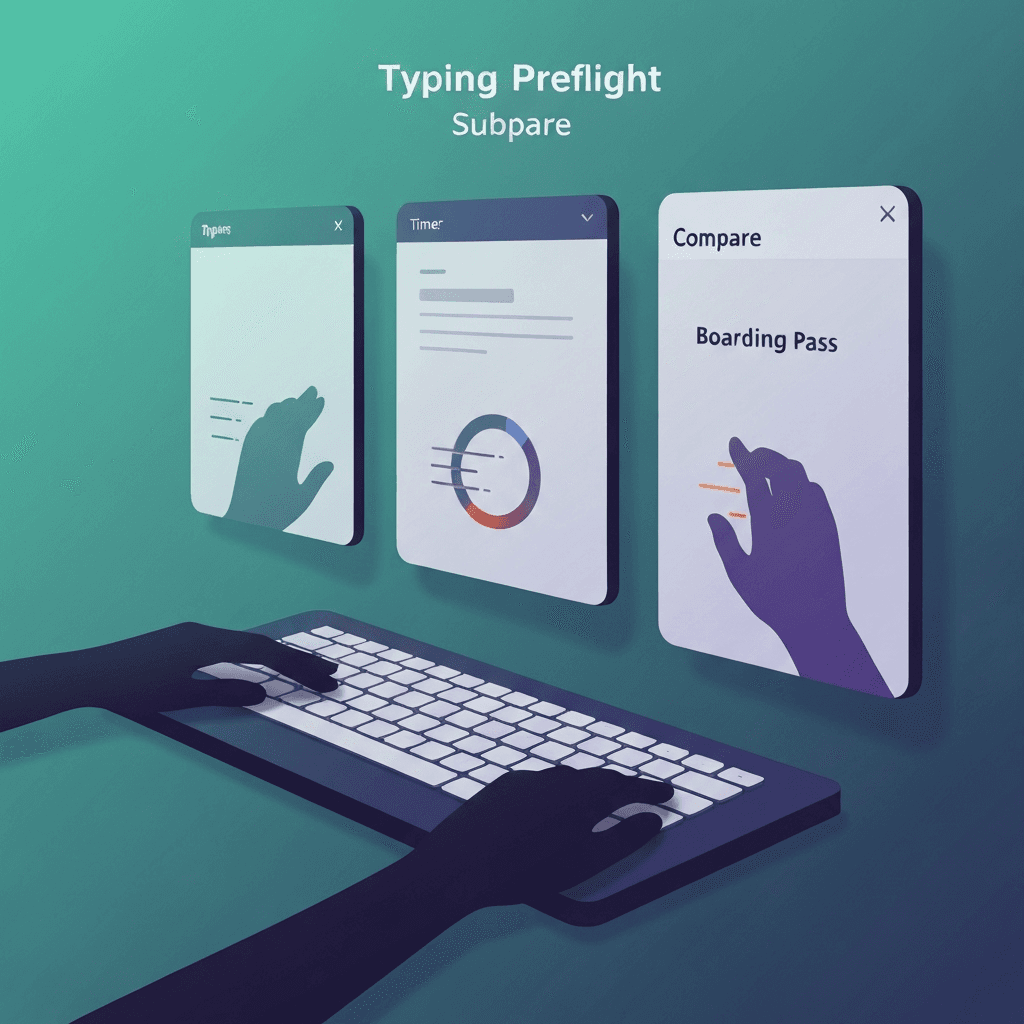
Preflight optimizes for first-time visitors
One narrative beats hunting three bookmarks before a timed test. Power users may still prefer standalone labs with richer event logs.
Both paths use the same measurement helpers under the hood.
Travel kits deserve preflight on wired and Bluetooth the same day you pack them.
Run the three-step preflight after any keyboard swap, dongle change, or major browser update—then log whether the boarding pass cleared.
Try typing preflight
Walk the key map, sample browser latency, and check debounce in one checklist—then read your boarding pass before a timed WPM test.
Start typing preflightSingle labs go deeper on one variable
Polling histograms, rollover chords, and long debounce event logs stay on their own pages when you are debugging one hypothesis.
Run preflight weekly and single labs when a step flags watch or fail.
Finish step one before blaming latency: a dead Shift key mimics sloppy accuracy on timed tests.
If preflight passes but WPM still swings, compare passage difficulty before buying hardware.
Choose based on your question
“Am I ready to benchmark today?” → preflight. “Is this switch chattering?” → debounce lab. “Does Bluetooth drop chords?” → rollover.
Finish either path with the same one-minute test so numbers stay comparable.
If preflight passes but WPM still swings, compare passage difficulty before buying hardware.
If preflight passes but WPM still swings, compare passage difficulty before buying hardware.
Continue practicing
This cluster is about benching before you benchmark. Run the three-step preflight when setup changes, read the boarding pass, then open a one-minute test with fewer hardware surprises.