- 3/18/2026
- Updated 3/18/2026
Python Indentation Typing Practice for Developers
Train Python-style indentation and block structure so your typing rhythm holds in real code workflows.
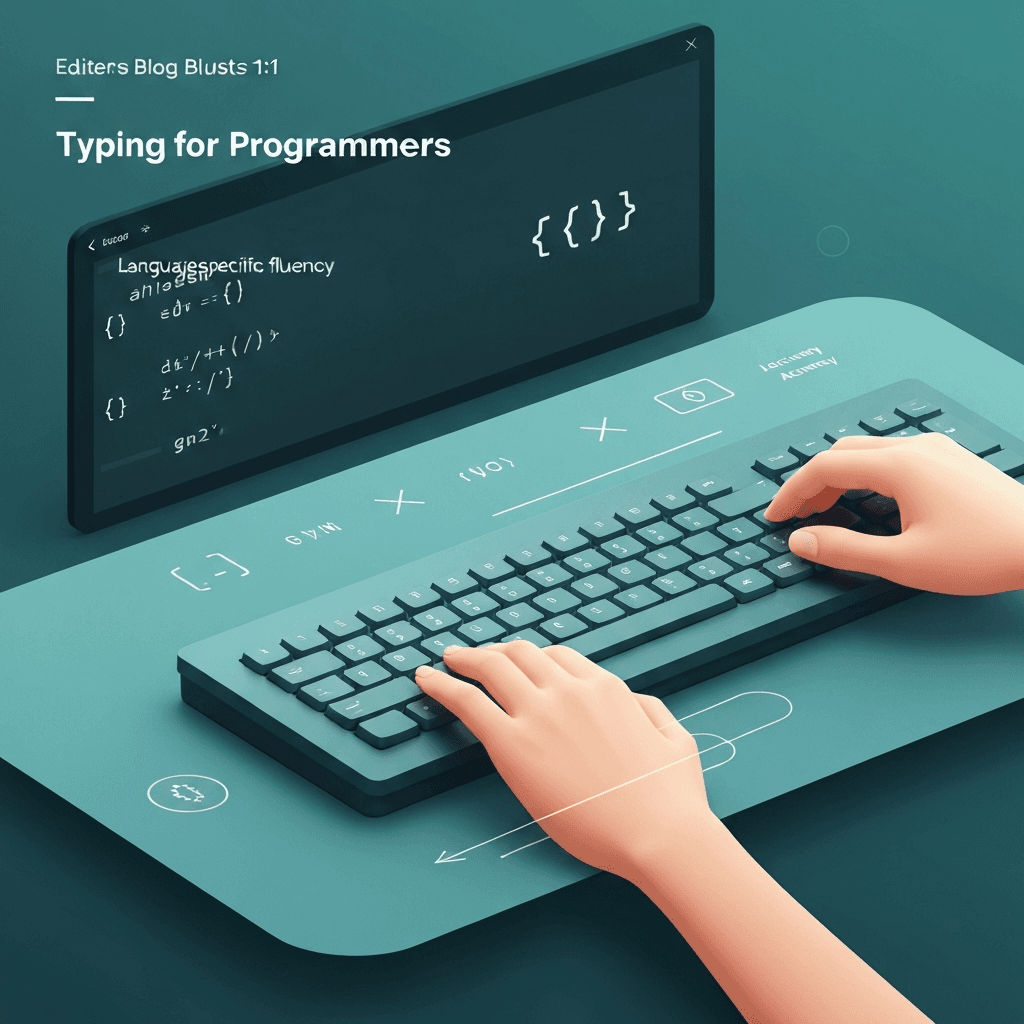
Indentation is a rhythm skill
Python typing performance depends on indentation flow, not just raw key speed. Losing rhythm around colons and nested blocks slows practical coding throughput.
Practicing structured indentation patterns trains smoother transitions between logic lines and nested scopes.
Keep a personal list of “expensive” characters you still glance at. That list is your highest ROI drill menu.
Mix symbol practice with naming-heavy lines so your brain trains context switches—the same switches real coding demands.
Interactive Practice
Try this programmer symbols tool right here
Run the same test discussed in this article without leaving the page.
How to practice Python blocks effectively
Use short function and conditional blocks with repeated indentation patterns. Focus on minimizing hesitation after colons and before nested statements.
Then run mixed snippets with loops and exception handling. This confirms that indentation control transfers to more realistic coding structures.
If certain language constructs trip you—arrow functions, generics, template literals—copy a short real snippet from your stack and practice it as a mini-etude.
Use paired characters deliberately: type the closing bracket as part of a planned motion, not as a reaction after you realize it is missing.
Continue practicing
The in-page typing tool uses programmer-symbol text. Open the full programmer test for every option, or visit the language hub for track-specific guides.