- 5/17/2026
- Updated 5/17/2026
Mechanical Keyboard Polling Rate for Office Typing
Mechanical switches do not automatically mean 1000 Hz. Learn how office mechs poll, when hot-swap boards lie in specs, and what to test before marathon writing days.
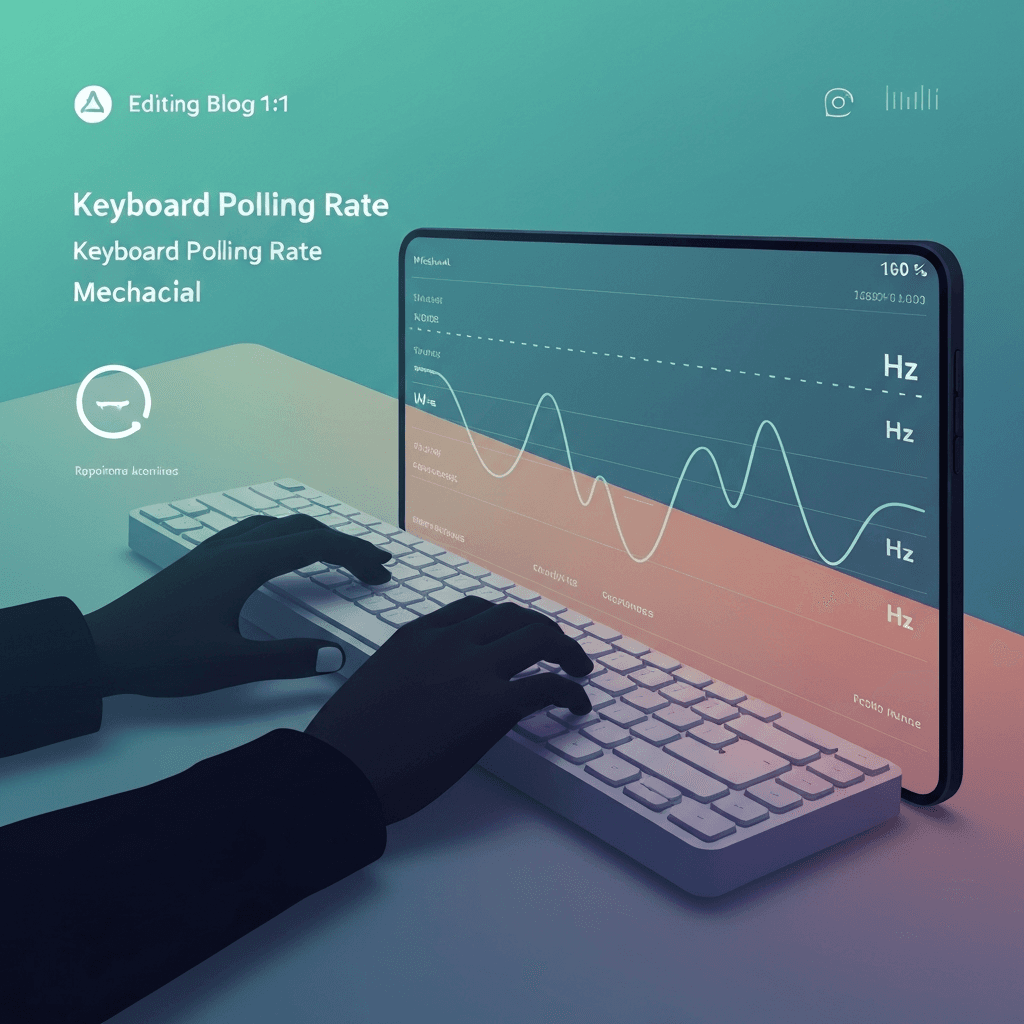
Switch type and poll rate are independent
Mechanical keyboard polling rate depends on the USB MCU and firmware, not whether switches are linear or tactile. A budget mech can poll at 1000 Hz while a pretty office board stays at 125 Hz in default mode.
Read the manual for a performance mode toggle before you assume anything from switch brand.
If spacing looks fine but WPM is flat, return to accuracy drills; hesitation masquerades as hardware lag.
If spacing looks fine but WPM is flat, return to accuracy drills; hesitation masquerades as hardware lag.
Try the polling rate primer
Tap steadily to sample gaps between keydown events in this browser—approximate Hz tiers for comparing setups, not a certified USB descriptor readout.
Open polling rate primerOffice noise and power settings matter
Shared open offices favor quieter plates and rubber dampening—not 8 kHz profiles that spin fans on laptops. Many users never enable high-performance modes because they do not game at the desk.
That is rational: measure spacing once, then pick the quiet stable profile for all-day typing.
Treat 8 kHz marketing as a ceiling; debounce and transport still dominate what prose typists feel day to day.
Log median gap and sample count together—a stable median with wild max gaps often means wireless batching, not broken switches.
Checkout tests before marathon writing
Confirm every key in the full keyboard checker, then run the polling lab on the connection you will use in stand-up calls. Sticky stabilizers hurt WPM more than an extra 500 Hz on paper.
Finish with a five-minute timed test to ensure the board survives real paragraphs, not just tap drills.
Treat 8 kHz marketing as a ceiling; debounce and transport still dominate what prose typists feel day to day.
Compare wired and Bluetooth on the same browser profile so OS differences do not masquerade as keyboard quality.
Continue practicing
This cluster is about Hz and event spacing. Run the polling primer to compare setups, then use the latency sampler and a timed test when feel and scores matter.