- 5/15/2026
- Updated 5/15/2026
Left-Handed Numpad Typing: Technique for Built-In and External Pads
Left-handed on the numpad? Map fingers for inverted travel, choose left-side external keypads, and build speed with structured numpad practice.
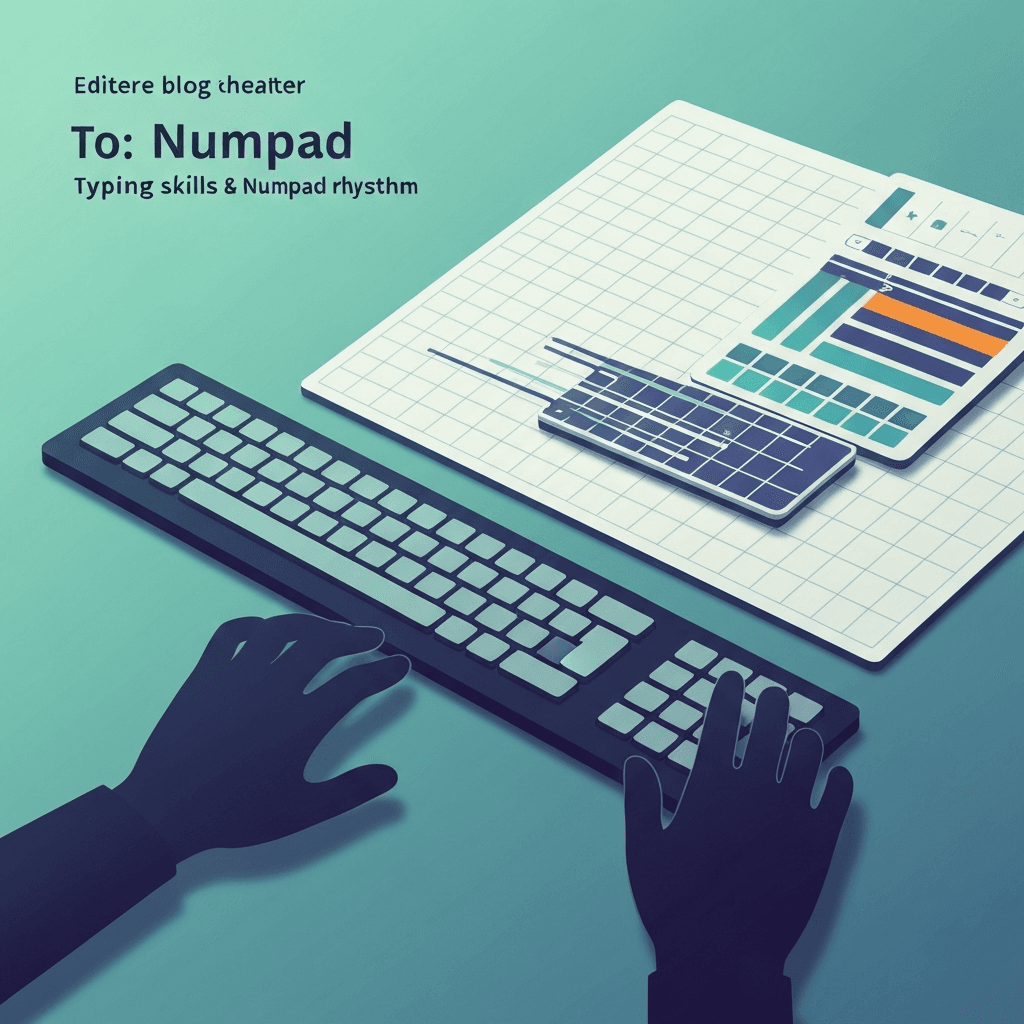
Built-in pads on the right
Most laptops place the numpad on the right; left-dominant typists either cross the body or add a left-mounted USB pad. Crossing works for short bursts; long sessions favor external pads.
Interactive Practice
Try this numpad tool right here
Run the same test discussed in this article without leaving the page.
Anchor a consistent home position
Place 5 or 1 under your strongest finger and keep returns to home between fields. Consistency beats mirroring right-handed tutorials exactly.
Measure with the same hand each session
Track accuracy before speed—left-handed mapping takes extra weeks to stabilize compared with default teaching diagrams.
Continue practicing
The in-page typing tool uses numpad mode. Open the dedicated numpad test for a full-screen run, or check the numpad leaderboard for your rank.