- 5/17/2026
- Updated 5/17/2026
Keyboard Scan Rate vs Polling Rate: Two Clocks, One Confusing Spec Sheet
Vendors mix scan rate and poll rate. Learn what the MCU does internally, what USB reports, and which number the browser test actually reflects.
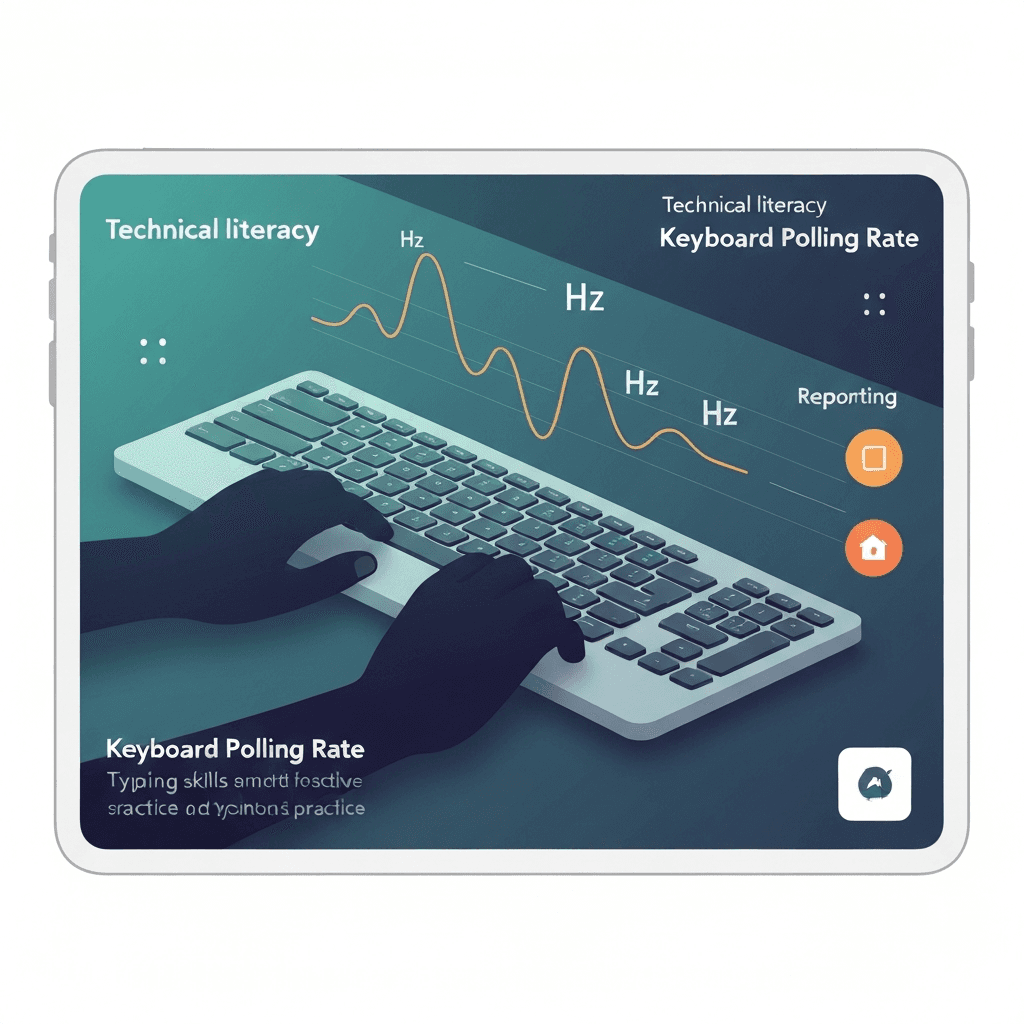
Scan rate is inside the keyboard; polling is host-driven
Scan rate is how fast the controller sweeps the key matrix for changes. Polling rate is how often the computer asks for the latest snapshot over USB or wireless.
A fast scan with slow polling still waits on the wire. A slow scan can miss ultra-short taps even at 1000 Hz polling.
Treat 8 kHz marketing as a ceiling; debounce and transport still dominate what prose typists feel day to day.
Treat 8 kHz marketing as a ceiling; debounce and transport still dominate what prose typists feel day to day.
Try the polling rate primer
Tap steadily to sample gaps between keydown events in this browser—approximate Hz tiers for comparing setups, not a certified USB descriptor readout.
Open polling rate primerMarketing blends both into one hero number
Boxes that shout “8000 Hz” may mean internal scanning, USB report rate, or both. Without a diagram, assume the number that helps sales.
Browser tests observe delivered key events—closest to effective polling on your OS path, not raw matrix scans.
Compare wired and Bluetooth on the same browser profile so OS differences do not masquerade as keyboard quality.
Treat 8 kHz marketing as a ceiling; debounce and transport still dominate what prose typists feel day to day.
What typists should verify
If keys occasionally fail to register on quick taps, test rollover and scan-related limits, not just Hz. If everything registers but feels late, measure polling spacing and end-to-end latency.
Use the polling lab after firmware updates; vendors sometimes change scan tables silently.
Screenshot tier labels when IT asks for proof; approximate Hz language is clearer than subjective “sluggish.”
Compare wired and Bluetooth on the same browser profile so OS differences do not masquerade as keyboard quality.
Continue practicing
This cluster is about Hz and event spacing. Run the polling primer to compare setups, then use the latency sampler and a timed test when feel and scores matter.