- 5/18/2026
- Updated 5/18/2026
Keyboard Latency Sampling in Your Preflight Routine
The latency preflight step measures keydown-to-paint delay in your browser—not factory ms on the box. Learn what good bands look like for prose typing.
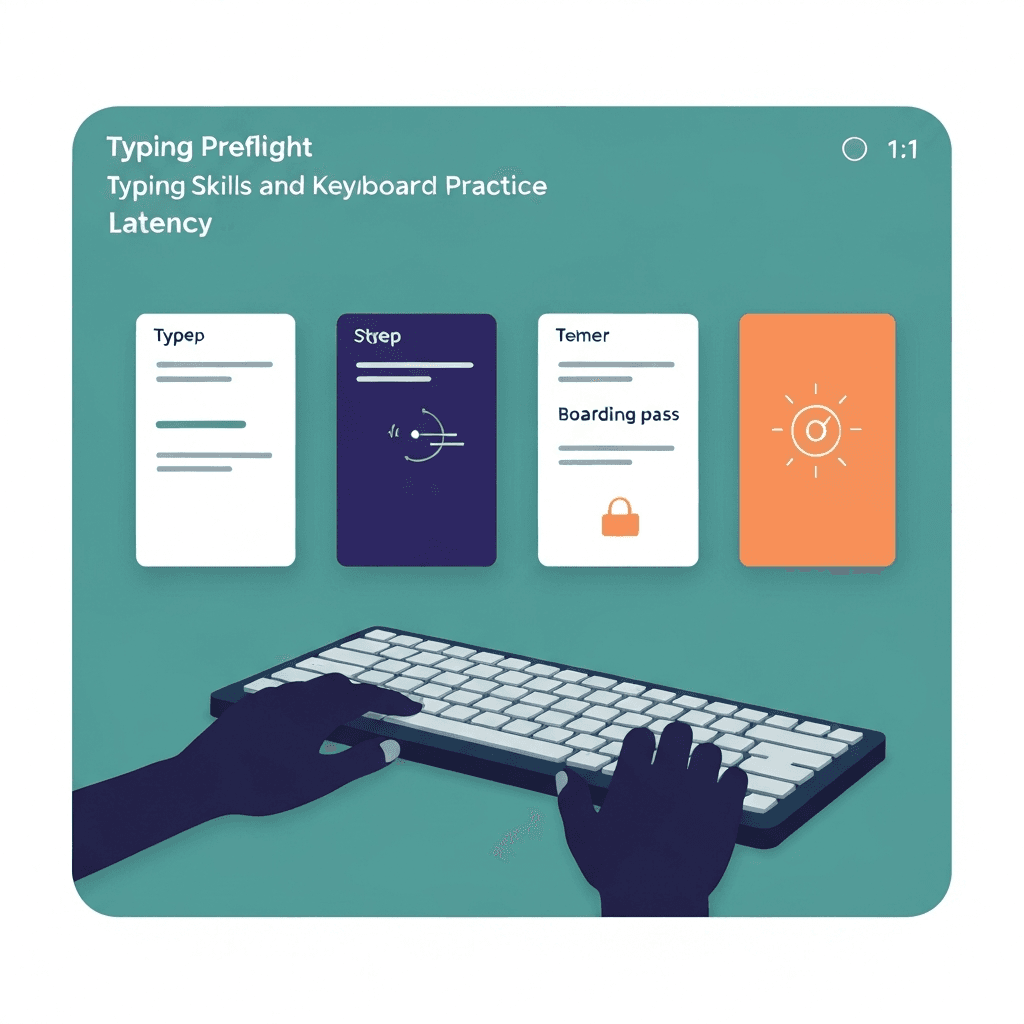
Latency here means feel in the browser
Each press timestamps keydown and the next paint. Averages summarize how snappy this stack feels for timed tests on this tab.
Heavy background tabs and screen recorders can widen samples without any keyboard change.
Finish step one before blaming latency: a dead Shift key mimics sloppy accuracy on timed tests.
If preflight passes but WPM still swings, compare passage difficulty before buying hardware.
Try typing preflight
Walk the key map, sample browser latency, and check debounce in one checklist—then read your boarding pass before a timed WPM test.
Start typing preflightCollect samples at prose pace
Hold modifiers lightly if needed, but avoid gaming mash patterns. Five or more samples unlock the continue button.
A sparkline helps you spot one-off spikes versus consistent lag.
Finish step one before blaming latency: a dead Shift key mimics sloppy accuracy on timed tests.
Finish step one before blaming latency: a dead Shift key mimics sloppy accuracy on timed tests.
Compare setups, not strangers online
Run the same step on wired and wireless before declaring Bluetooth unusable.
Fair or high bands suggest checking cables, dongles, or OS power settings—not buying a new board immediately.
Finish step one before blaming latency: a dead Shift key mimics sloppy accuracy on timed tests.
If preflight passes but WPM still swings, compare passage difficulty before buying hardware.
Continue practicing
This cluster is about benching before you benchmark. Run the three-step preflight when setup changes, read the boarding pass, then open a one-minute test with fewer hardware surprises.