- 5/25/2026
- Updated 5/25/2026
Typing Breaks & Typing Games on Type Faster: Calm Mini-Games Before Real Tests
Twelve free typing games and typing breaks in the browser—no WPM or leaderboard. Short canvas games reset nerves, then jump back into timed tests and drills.
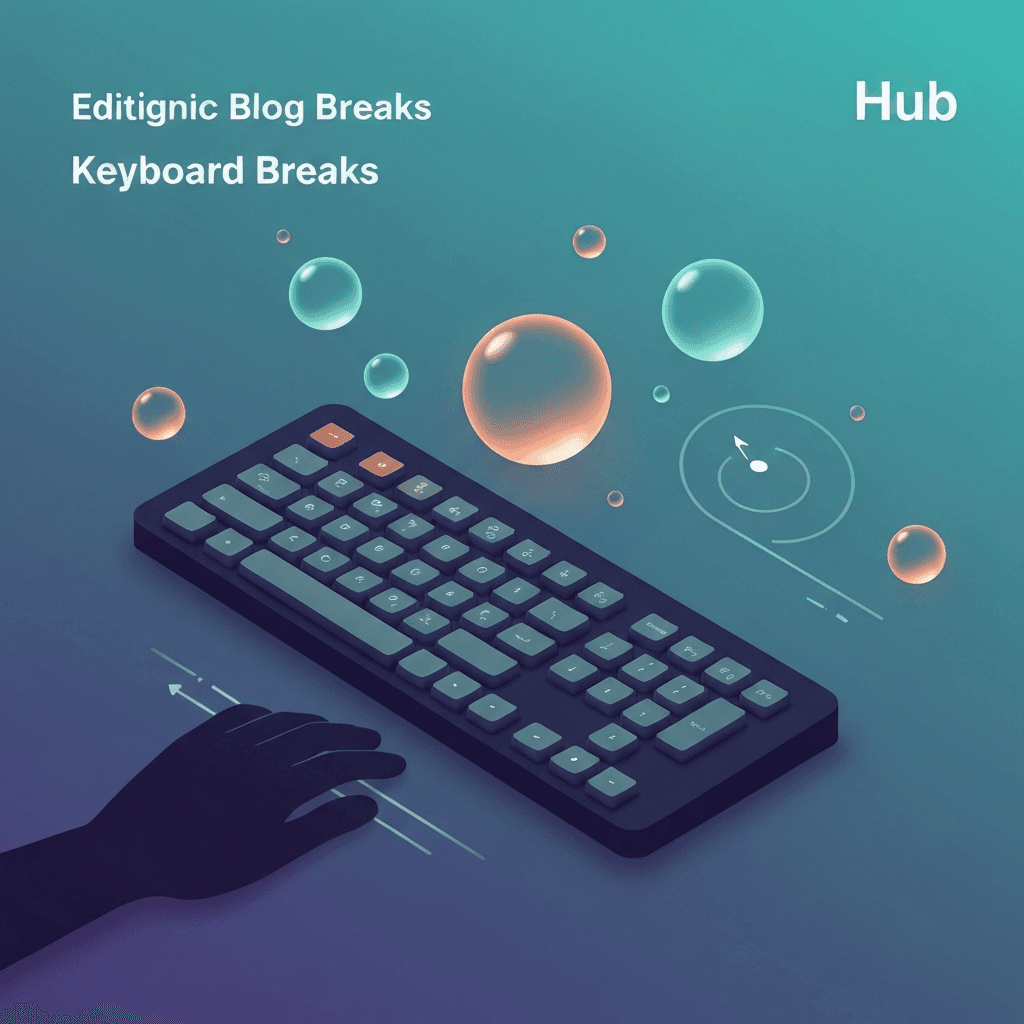
What typing breaks and typing games are
Typing breaks on Type Faster are one-minute (or untimed) typing games in the browser. They use your physical keyboard for letters, Space, Shift, Backspace, or number-row keys—but they never write scores to leaderboards, streaks, or achievements.
Think of them as a palette cleanser after a harsh timed test: fingers move, eyes relax, and you return to `/test/1-minute` or `/drill` without the pressure of another WPM number.
Return through the game footer CTA to timed practice so typing breaks stay tied to real typing habits.
After a typing game, run the same one-minute test passage type so you can tell whether calm hands helped accuracy.
Interactive Practice
Try this 1 minute tool right here
Run the same test discussed in this article without leaving the page.
How the cluster is organized
Guides in this pillar explain when to pick reaction typing games, rhythm typing breaks, memory echoes, or editing practice. A roundup article lists all twelve live typing games with links.
Start at `/games` to browse cards, or read the post-test funnel guide if you arrived from a typing result screen.
Zen Garden and Breathing Keys are for nervous system reset, not measurable warmup—leave when you feel calm.
Return through the game footer CTA to timed practice so typing breaks stay tied to real typing habits.
Continue practicing
The in-page typing tool matches this article’s duration preset. Open the full test for other durations and settings, or jump into a drill to target weak keys.