- 5/18/2026
- Updated 5/18/2026
Full Key Map as Step One of Typing Preflight
The full key map preflight step finds dead switches and missed keys before they skew WPM. Learn what 100% coverage means and when to finish the step anyway.
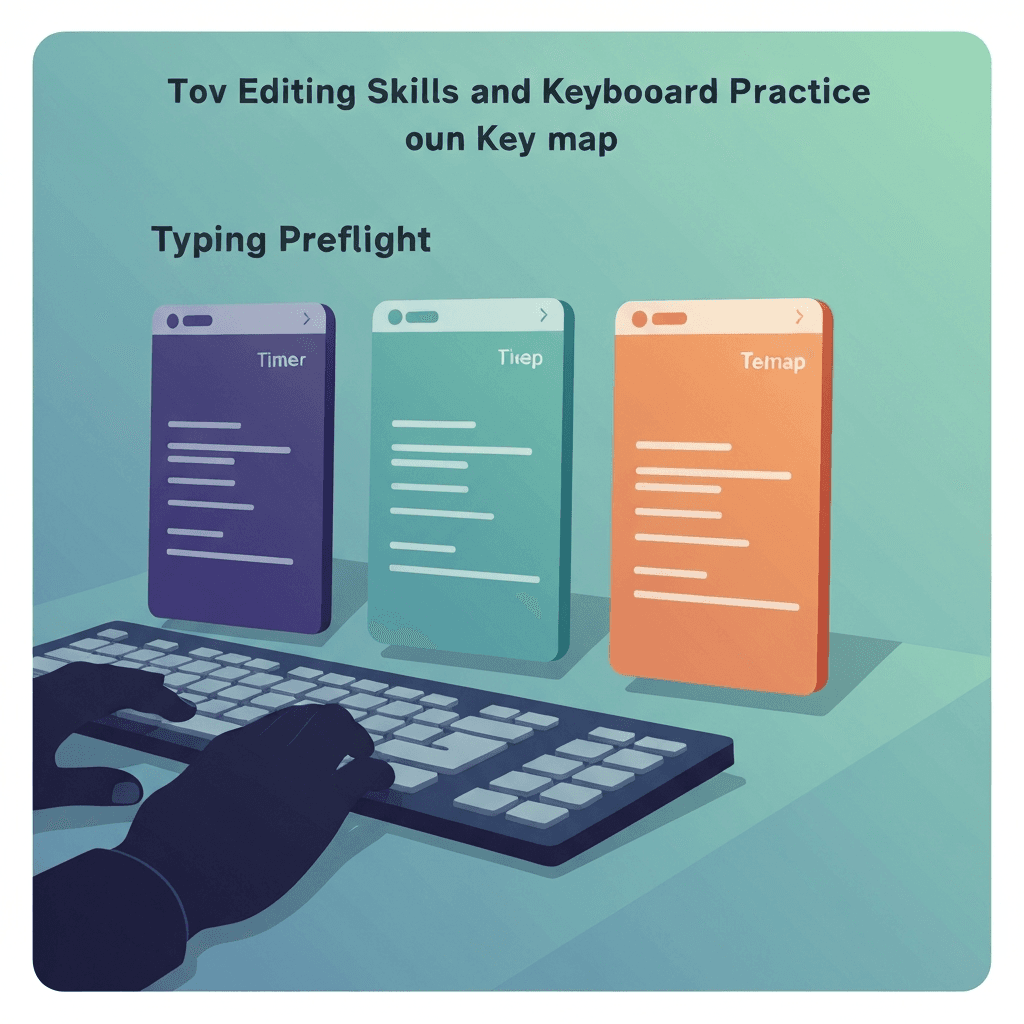
Coverage beats speed on step one
The checker highlights keys you have pressed at least once. Aim for full layout coverage on the language you type in daily.
Fn layers and numpad matter if your job uses them—skip only what you truly never touch.
Pair cleared preflight with one calm 1-minute test at target accuracy, not sprint mode.
Travel kits deserve preflight on wired and Bluetooth the same day you pack them.
Try typing preflight
Walk the key map, sample browser latency, and check debounce in one checklist—then read your boarding pass before a timed WPM test.
Start typing preflightFinish the step when you are ready to move on
Preflight lets you continue even if a corner key is missing—useful when you are troubleshooting mid-session—but note watch or fail on the boarding pass.
Replace or remap bad switches before chasing leaderboard records.
Screenshot the boarding pass when IT asks what you tested—pass, watch, and fail badges beat adjectives.
Run the three-step preflight after any keyboard swap, dongle change, or major browser update—then log whether the boarding pass cleared.
Key map failures show up as accuracy cliffs
Missing Shift or punctuation often creates bursts of errors that look like finger faults.
After the map looks green, proceed to latency sampling while muscle memory is awake.
Tap one letter lightly in debounce step three; holding triggers OS repeat, not switch chatter.
Finish step one before blaming latency: a dead Shift key mimics sloppy accuracy on timed tests.
Continue practicing
This cluster is about benching before you benchmark. Run the three-step preflight when setup changes, read the boarding pass, then open a one-minute test with fewer hardware surprises.