- 5/18/2026
- Updated 5/18/2026
Debounce Check in Typing Preflight: Bounce Before the Timer
The debounce preflight step spots rapid double keydowns on one letter. Learn how retap spacing differs from bounce and when to open the full chatter lab.
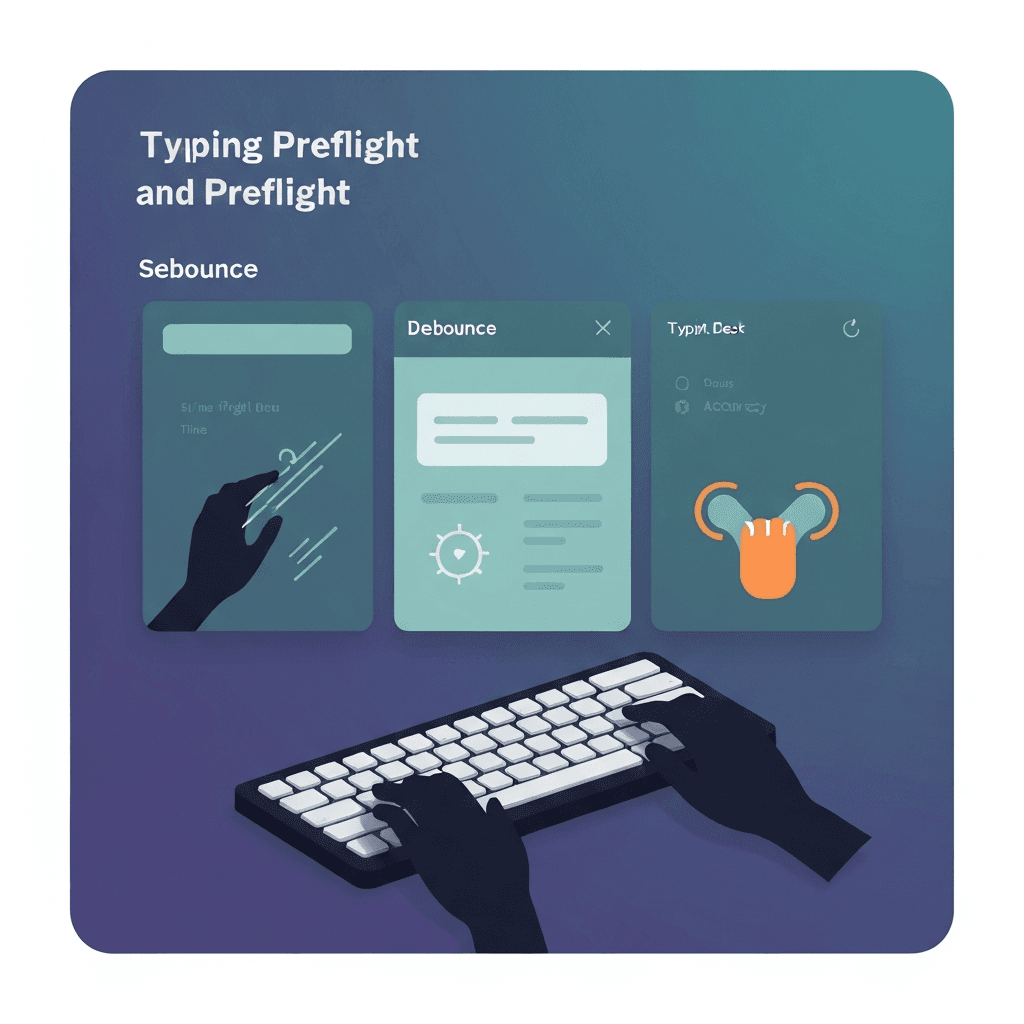
Tap one letter, release fully
About ten to fifteen light presses on the same key build a sample. OS auto-repeat is ignored; holding creates repeat, not switch chatter.
Shift is fine; avoid holding Cmd or Ctrl so letter events count.
If preflight passes but WPM still swings, compare passage difficulty before buying hardware.
When step two shows high lag, close heavy tabs once before replacing the keyboard.
Try typing preflight
Walk the key map, sample browser latency, and check debounce in one checklist—then read your boarding pass before a timed WPM test.
Start typing preflightLive stats explain the readout
Keydown count, shortest retap gap, and bounce events update as you type. Zero bounce with enough samples is a clean bill for prose.
Several bounce events may warrant the dedicated debounce lab or a different USB port.
Run the three-step preflight after any keyboard swap, dongle change, or major browser update—then log whether the boarding pass cleared.
Run the three-step preflight after any keyboard swap, dongle change, or major browser update—then log whether the boarding pass cleared.
Bounce is not ghosting
Double letters from one press point to debounce or switch wear. Keys you never touched point to rollover—use the chord test for that story.
Preflight step three is a quick screen; open the full debounce lab if you need a longer event log on one suspect switch.
Revisit the checklist weekly during certification prep; daily obsession adds noise without signal.
Revisit the checklist weekly during certification prep; daily obsession adds noise without signal.
Continue practicing
This cluster is about benching before you benchmark. Run the three-step preflight when setup changes, read the boarding pass, then open a one-minute test with fewer hardware surprises.