- 5/17/2026
- Updated 5/17/2026
Bluetooth Keyboard Polling Rate and Jitter: What Typists Should Expect
Wireless boards trade convenience for uneven report timing. Learn typical Bluetooth Hz, why jitter shows up in histograms, and when to switch to wired for serious sessions.
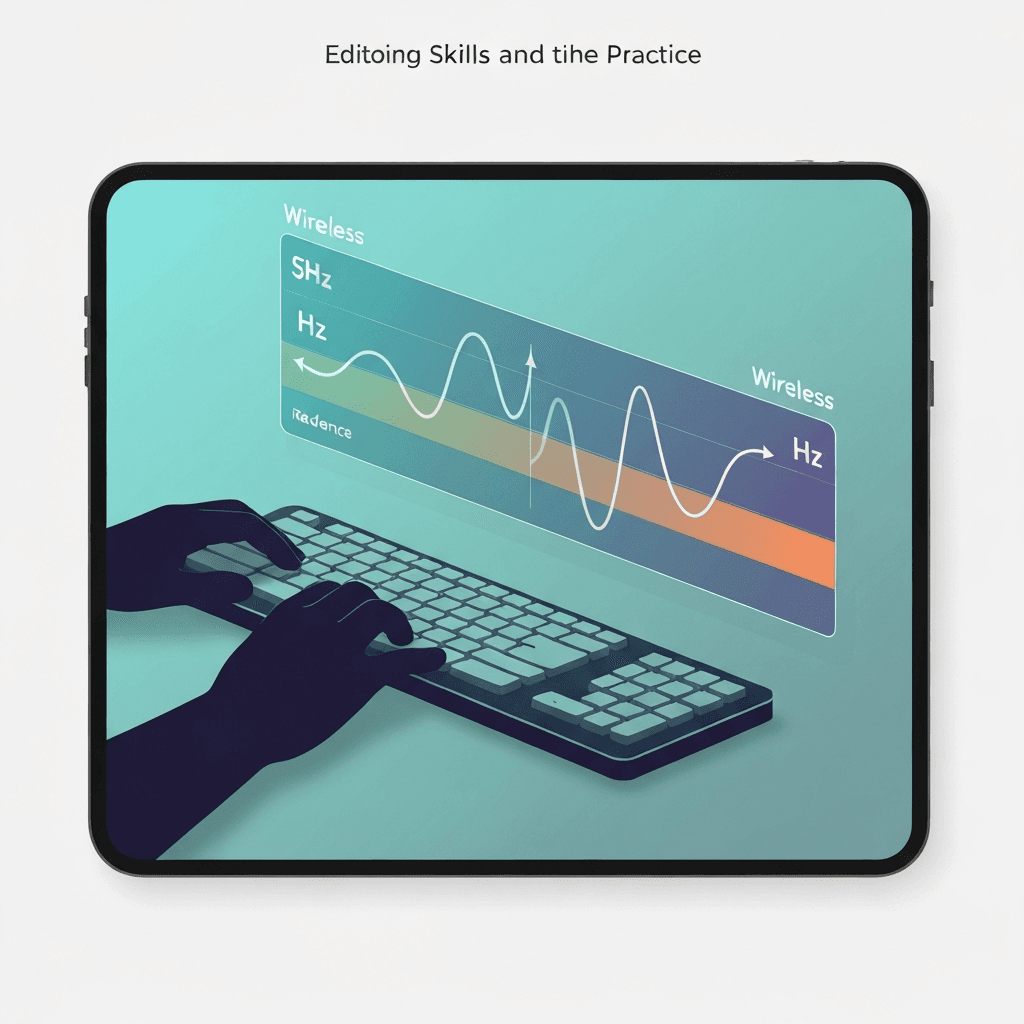
Bluetooth rarely matches wired 1000 Hz spacing
Many Bluetooth keyboard polling rate profiles land between 125 Hz and 500 Hz effective delivery, with bursts and sleeps as the radio saves power.
That is fine for casual email but can add uneven rhythm during fast copy-editing sprints.
Compare wired and Bluetooth on the same browser profile so OS differences do not masquerade as keyboard quality.
Treat 8 kHz marketing as a ceiling; debounce and transport still dominate what prose typists feel day to day.
Try the polling rate primer
Tap steadily to sample gaps between keydown events in this browser—approximate Hz tiers for comparing setups, not a certified USB descriptor readout.
Open polling rate primerJitter hurts typing feel more than average Hz
Histogram tails—random 10–20 ms gaps—come from coexistence with Wi-Fi, distance, and idle wake-up. Median Hz can look acceptable while tails ruin flow.
Retest at your desk with the lid closed on interfering radios if numbers look wild.
Steady tapping beats frantic mashing—auto-repeat and missed releases skew intervals faster than honest rhythm.
Steady tapping beats frantic mashing—auto-repeat and missed releases skew intervals faster than honest rhythm.
Practical wireless hygiene
Use the vendor dongle if provided; it often beats generic Bluetooth for stability. Plug in USB for timed tests when you are benchmarking skill, not the couch.
Log wired versus wireless screenshots in the polling lab before blaming your lesson plan.
Close heavy tabs before sampling; compositor scheduling can widen gaps that look like low polling.
Steady tapping beats frantic mashing—auto-repeat and missed releases skew intervals faster than honest rhythm.
Continue practicing
This cluster is about Hz and event spacing. Run the polling primer to compare setups, then use the latency sampler and a timed test when feel and scores matter.