- 5/17/2026
- Updated 5/17/2026
Best Polling Rate for Keyboard Typing: What Actually Helps WPM
There is no magic Hz for essays. Learn why 1000 Hz is the practical ceiling for most typists, when 8000 Hz is irrelevant, and how to prioritize key feel over spec sheets.
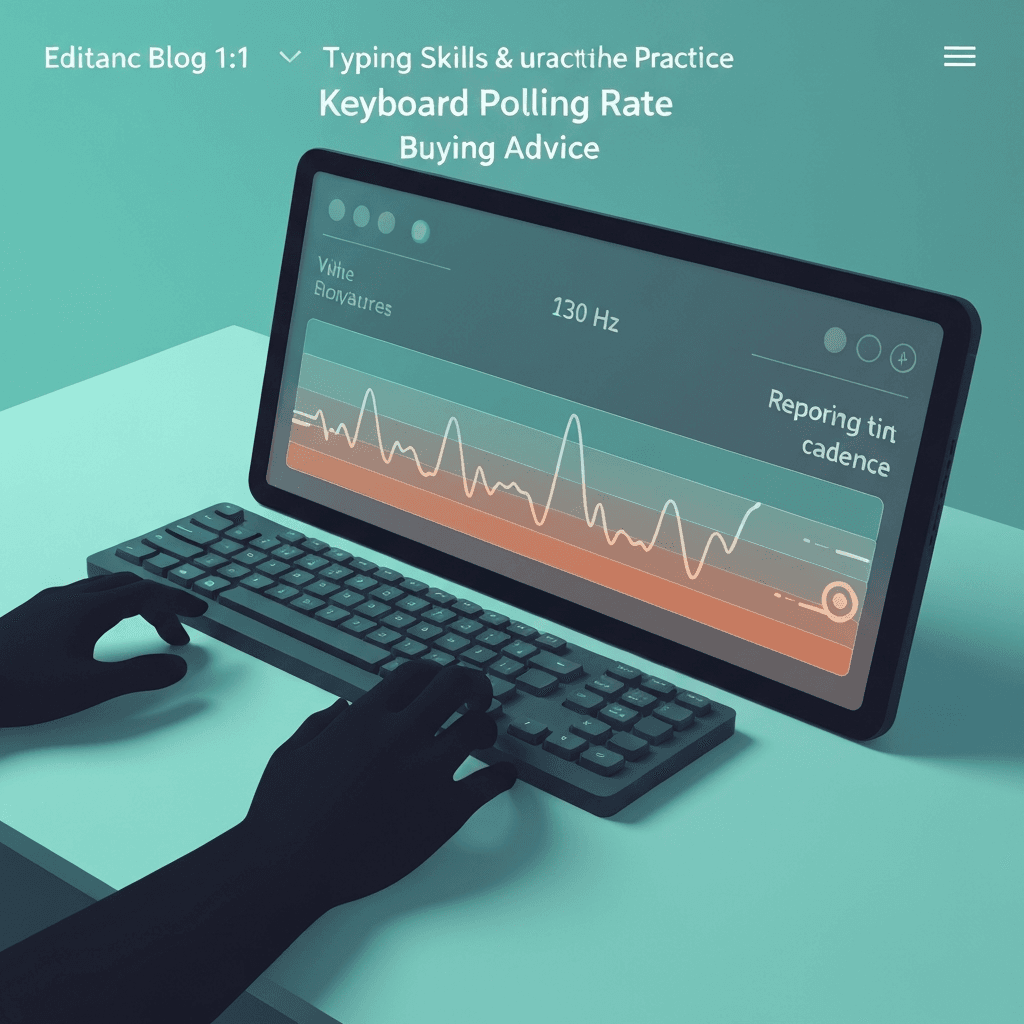
1000 Hz is enough for nearly all prose
The best polling rate for keyboard typing in real offices is usually the stable 1000 Hz USB mode your board already supports—not an exotic 8 kHz firmware profile.
Gains past that mostly help competitive aim and frame-synced games, not sustained 80+ WPM paragraphs.
Close heavy tabs before sampling; compositor scheduling can widen gaps that look like low polling.
Close heavy tabs before sampling; compositor scheduling can widen gaps that look like low polling.
Try the polling rate primer
Tap steadily to sample gaps between keydown events in this browser—approximate Hz tiers for comparing setups, not a certified USB descriptor readout.
Open polling rate primerConsistency beats bigger numbers
A board that honestly delivers 1 ms spacing on your laptop beats one that advertises 8000 Hz but sleeps over Bluetooth. Measure spacing, not the headline.
If median gaps wobble between 2 ms and 12 ms, fix wireless or hub issues before chasing a new switch brand.
Weekly resamples beat hourly obsession—measure when hardware, firmware, or major browser versions change.
Close heavy tabs before sampling; compositor scheduling can widen gaps that look like low polling.
Invest where typing time goes
Layout, actuation weight, and training volume move accuracy charts. Polling is a tie-breaker between two boards that already feel good.
After purchase, run the polling lab once and a timed test weekly—only then decide if Hz was worth the premium.
If spacing looks fine but WPM is flat, return to accuracy drills; hesitation masquerades as hardware lag.
If spacing looks fine but WPM is flat, return to accuracy drills; hesitation masquerades as hardware lag.
Continue practicing
This cluster is about Hz and event spacing. Run the polling primer to compare setups, then use the latency sampler and a timed test when feel and scores matter.