- 5/18/2026
- Updated 5/18/2026
What Is Keyboard Debounce? Definition, Timing, and Typing Impact
What is keyboard debounce in simple terms? See how controllers ignore contact bounce, typical timing ranges for mechanical boards, and honest limits of online tests.
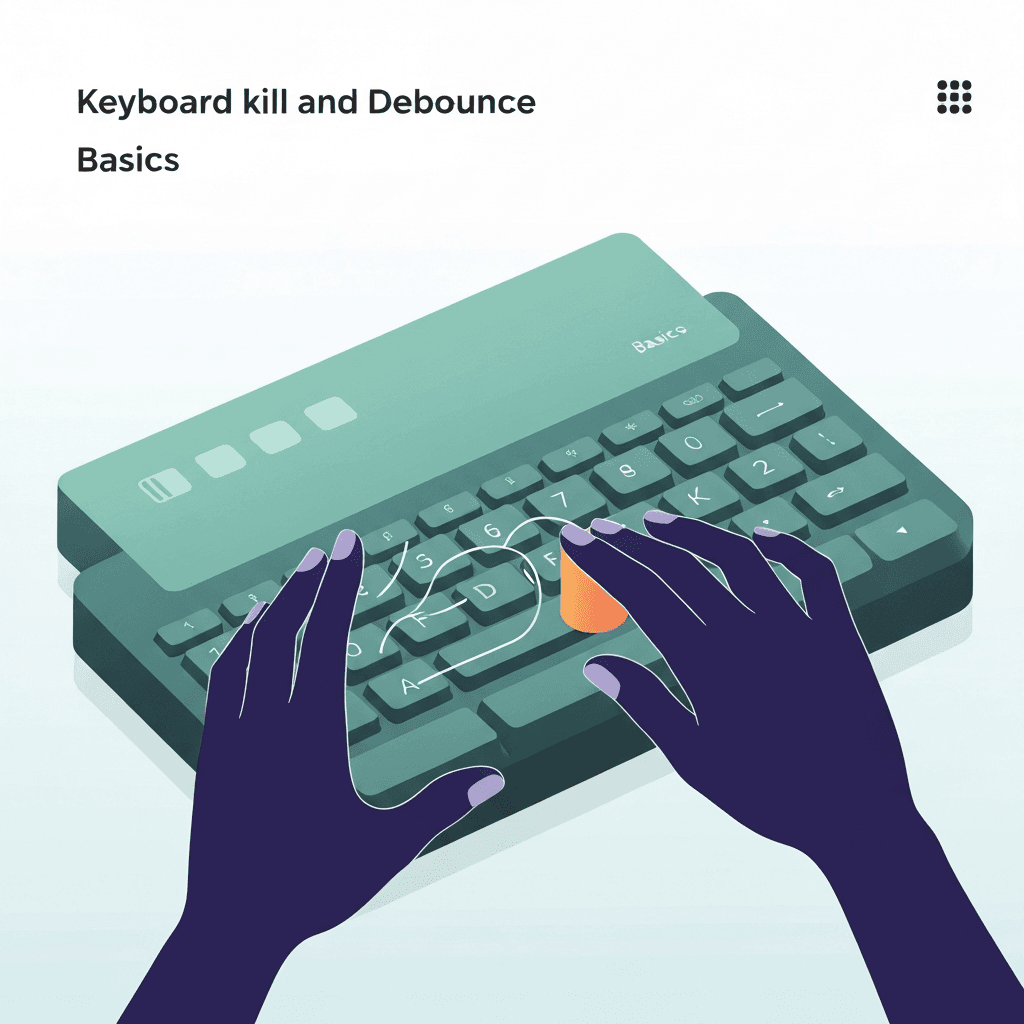
One press should mean one intentional edge
Keyboard debounce is the guard band that prevents a single closure from looking like three or four rapid presses to the computer.
Without it, even quality switches would sprinkle extra characters into transcripts, passwords, and timed tests.
Membrane double-press often tracks humidity; note weather when intermittent bounce appears.
Membrane double-press often tracks humidity; note weather when intermittent bounce appears.
Try the debounce & chatter check
Tap one key lightly and watch for rapid double keydowns the browser receives—bounce troubleshooting, not firmware debounce milliseconds from inside the switch.
Open debounce & chatter labTiming is a design tradeoff
Very short debounce can feel snappier but may let bounce through on worn contacts. Longer debounce adds a tiny delay most typists never notice but can filter noise better.
Exact milliseconds vary by vendor and mode. Forums quote numbers; your fingers care about duplicates and missed releases, not the label on a spec sheet.
End troubleshooting with a one-minute test on familiar prose; clean bounce samples should match calmer accuracy.
Log bounce counts beside cable type so Bluetooth and wired comparisons stay honest in support tickets.
Validate with behavior, not jargon
Run the browser chatter check after cable or board changes. Pair it with a timed test on familiar text so accuracy trends tell the story.
If only one key misbehaves, swap the switch or test that key alone before chasing global debounce myths.
Log bounce counts beside cable type so Bluetooth and wired comparisons stay honest in support tickets.
Mechanical boards can chatter when contacts oxidize—compare another key on the same row before replacing the whole deck.
Continue practicing
This cluster is about bounce and double letters. Run the chatter check on a suspect key, rule out OS repeat, then confirm chords on the rollover lab before you replace hardware.