- 5/18/2026
- Updated 5/18/2026
What Is Debounce Time on a Keyboard? Typical Ranges Explained
What is debounce time on a keyboard? Learn what milliseconds mean in firmware, typical mechanical ranges, and why browser tests cannot read your exact debounce constant.
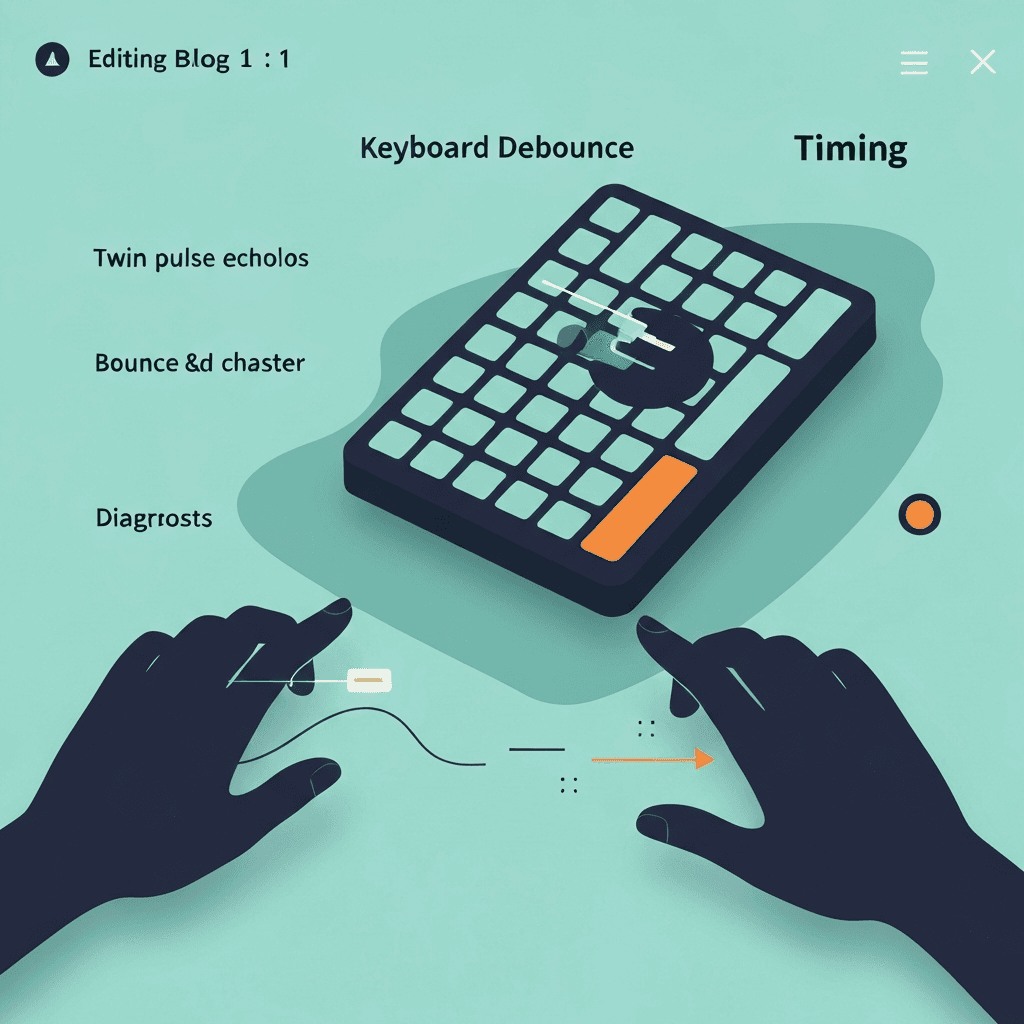
Debounce time is a wait window after a transition
After a contact changes state, the controller ignores additional edges until the window expires. That window is what people call debounce time, usually measured in milliseconds.
It is not the same as key repeat delay in your OS settings, which only starts after a key is held down intentionally.
Screenshot the event log when IT asks for proof; millisecond gaps are clearer than “it feels sticky.”
End troubleshooting with a one-minute test on familiar prose; clean bounce samples should match calmer accuracy.
Try the debounce & chatter check
Tap one key lightly and watch for rapid double keydowns the browser receives—bounce troubleshooting, not firmware debounce milliseconds from inside the switch.
Open debounce & chatter labTypical values are vendor-specific
Mechanical boards often land in low single-digit to low double-digit milliseconds depending on mode and firmware generation. Membrane designs use their own profiles.
Hall-effect and optical switches may use different filtering because the sensed signal is not identical to metal bounce—but they still implement equivalent logic.
Slow system key repeat before blaming switches; Settings → Keyboard delay is a free variable in double-letter mysteries.
Tap one suspect key lightly ten times with full releases before you RMA a board—OS repeat masquerades as chatter when you hold too long.
Online tests measure duplicates, not the constant
If two keydown events arrive within a few milliseconds on one tap, that suggests bounce escaped filtering somewhere in the chain.
Use those observations to decide whether to clean a switch, change connection, or RMA—not to claim an exact debounce number from a web page.
Log bounce counts beside cable type so Bluetooth and wired comparisons stay honest in support tickets.
Screenshot the event log when IT asks for proof; millisecond gaps are clearer than “it feels sticky.”
Continue practicing
This cluster is about bounce and double letters. Run the chatter check on a suspect key, rule out OS repeat, then confirm chords on the rollover lab before you replace hardware.