- 5/16/2026
- Updated 5/16/2026
Laptop Keyboard Rollover: Why WASD and Arrow Chords Fail First
Thin laptop keyboards prioritize size and battery. Learn which clusters choke first, when external boards help, and how to document issues for support.
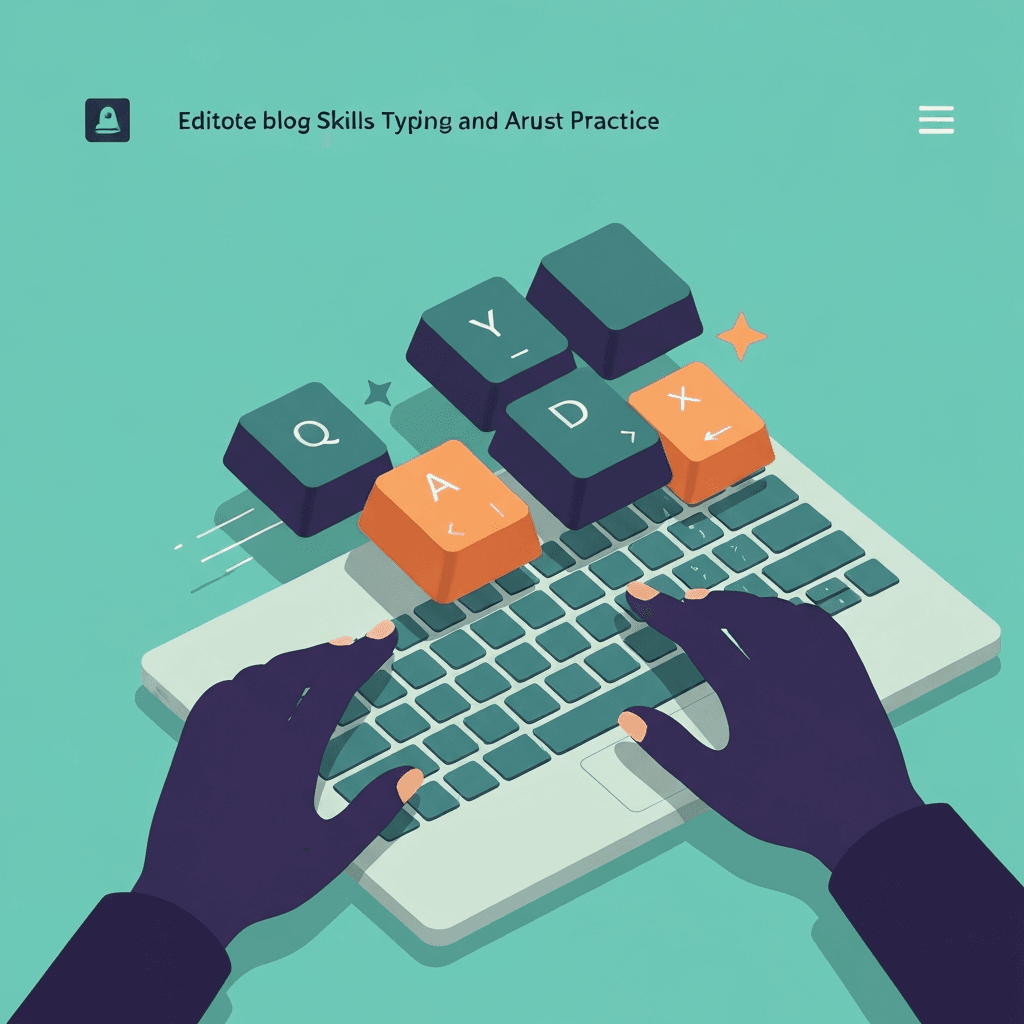
Chassis flex changes contact
Ultrathin keys can miss edges when you palm the deck while gaming. That looks like rollover failure but is physical travel loss.
Test on a firm desk with the lid stable before blaming firmware.
After any chord test, reset the lab and rerun once on a cold start. Sticky OS key states can fake ghosts on the second attempt.
Test the connection you compete on: Bluetooth, dongle, and USB can report different max simultaneous keys on the same model.
Try the rollover test
Hold chord presets like WASD or Space+arrows and watch for missing keys (blocking) or phantom inputs (ghosting). The visual keyboard highlights teal, orange, and red in real time.
Open rollover & ghosting testArrow and WASD zones share traces
Many laptops route gaming clusters through tight matrix corners. Hold Space+arrows preset in the lab to see orange missing keys.
External USB boards bypass the built-in matrix entirely for serious play.
Photograph teal, orange, and red highlights when you need warranty proof—support teams respond to visuals faster than adjectives.
Log max simultaneous keys in a notes app when comparing boards. Marketing NKRO is less useful than your measured peak.
Document results for warranty
Screenshot the lab with missing keys highlighted and note the preset used. Support teams respond faster to reproducible chords than vague “sometimes it ghosts.”
Continue practicing
This cluster is about simultaneous key presses. Run the rollover lab on your real chords, then confirm every switch still works on the full key map.