- 5/15/2026
- Updated 5/15/2026
Input Latency Test: Build a Baseline You Can Trust Week to Week
Baselines fail when browsers, extensions, and power profiles drift. Learn a lightweight logging habit so latency regressions are obvious early.
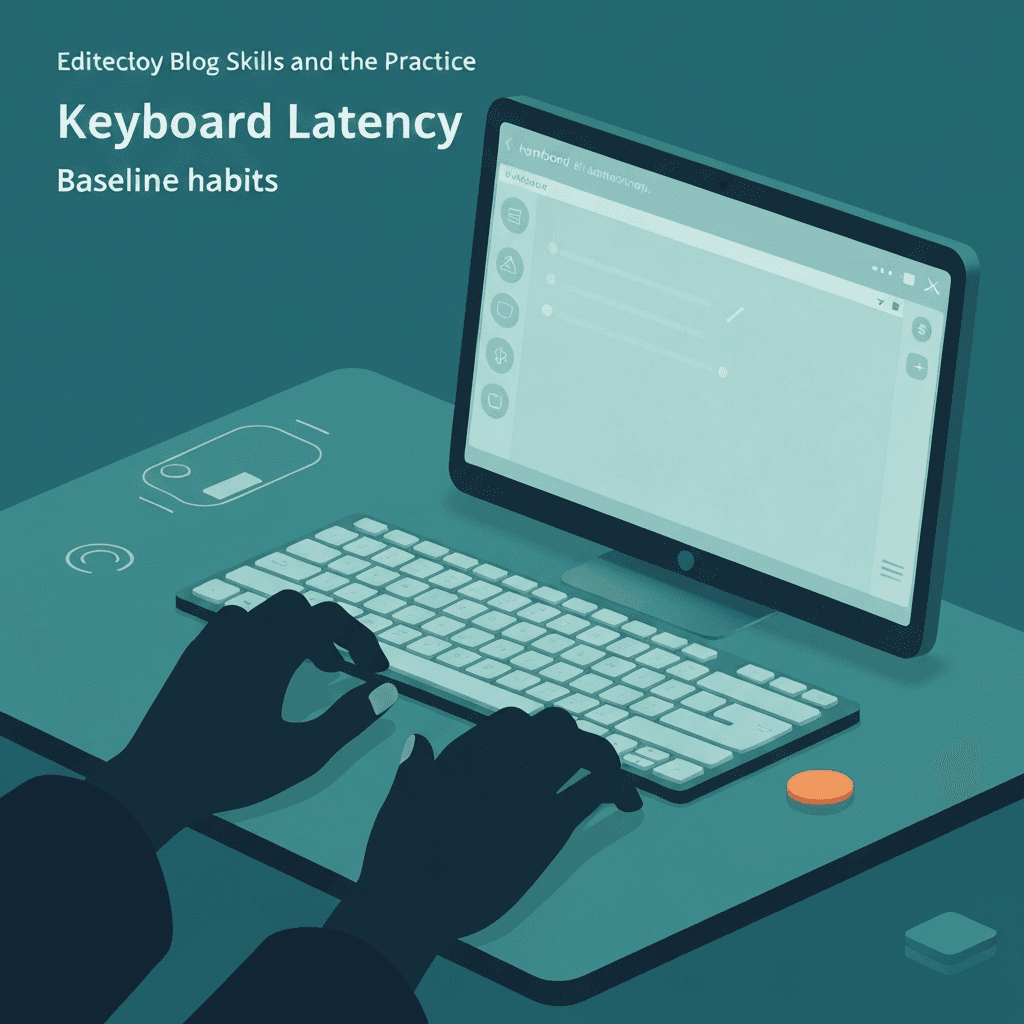
Pick one profile and freeze it
Choose a default browser window width, theme, and extension set you actually compete with.
Changing GPU acceleration or font rendering mid-series invalidates comparisons.
After you change cables or receivers, resample latency before you judge a typing score from the same night. Fresh numbers prevent you from blaming technique for a flaky stack.
Close media-heavy background tabs before sampling; compositor contention shows up as spikes that look like keyboard problems.
Try the latency tester
Sample end-to-end delay in milliseconds inside the same browser you use for Type Faster. Log median and jitter after cable, receiver, or power changes—then rerun a timed test to see if rhythm calms down.
Open keyboard latency testerLog three numbers every Monday
Median latency, ninetieth percentile delay, and sample count give enough signal without spreadsheet obsession.
Spikes that coincide with OS updates are common; roll back drivers deliberately instead of guessing.
Close media-heavy background tabs before sampling; compositor contention shows up as spikes that look like keyboard problems.
Battery saver modes can add input scheduling variance on laptops—sample on AC once as a sanity check when jitter is confusing.
Tie baselines to typing goals
When latency is flat but WPM stalls, pivot spend toward drills instead of more hardware tweaks.
Type Faster progress charts help prove whether the bottleneck moved.
When comparing Bluetooth and wired, idle the board for five minutes between modes so power states do not contaminate the first burst.
USB hub depth matters. A direct motherboard port is the fairest baseline before you blame a keyboard firmware update.
Continue practicing
This guide is about input delay and sampling. Run the latency tester to capture milliseconds and jitter, then use a typing test to see if scores stabilize.