- 5/16/2026
- Updated 5/16/2026
Dropped Keys in FPS Games: Diagnose Hardware Before You Blame Aim
Missing strafes and crouch taps feel like skill issues but may be matrix blocking. Learn a five-minute hardware checklist before tweaking sensitivity.
Separate dropouts from input lag
Lag adds delay; rollover blocking removes the event entirely. If the key never appears in the lab while held, it is not a netcode issue.
Run latency tests only after chords register reliably.
Close macro tools and gaming overlays while testing so software is not injecting phantom keydown events.
If only one preset fails, remap that shortcut before replacing hardware—you may be pressing an impossible matrix intersection.
Try the rollover test
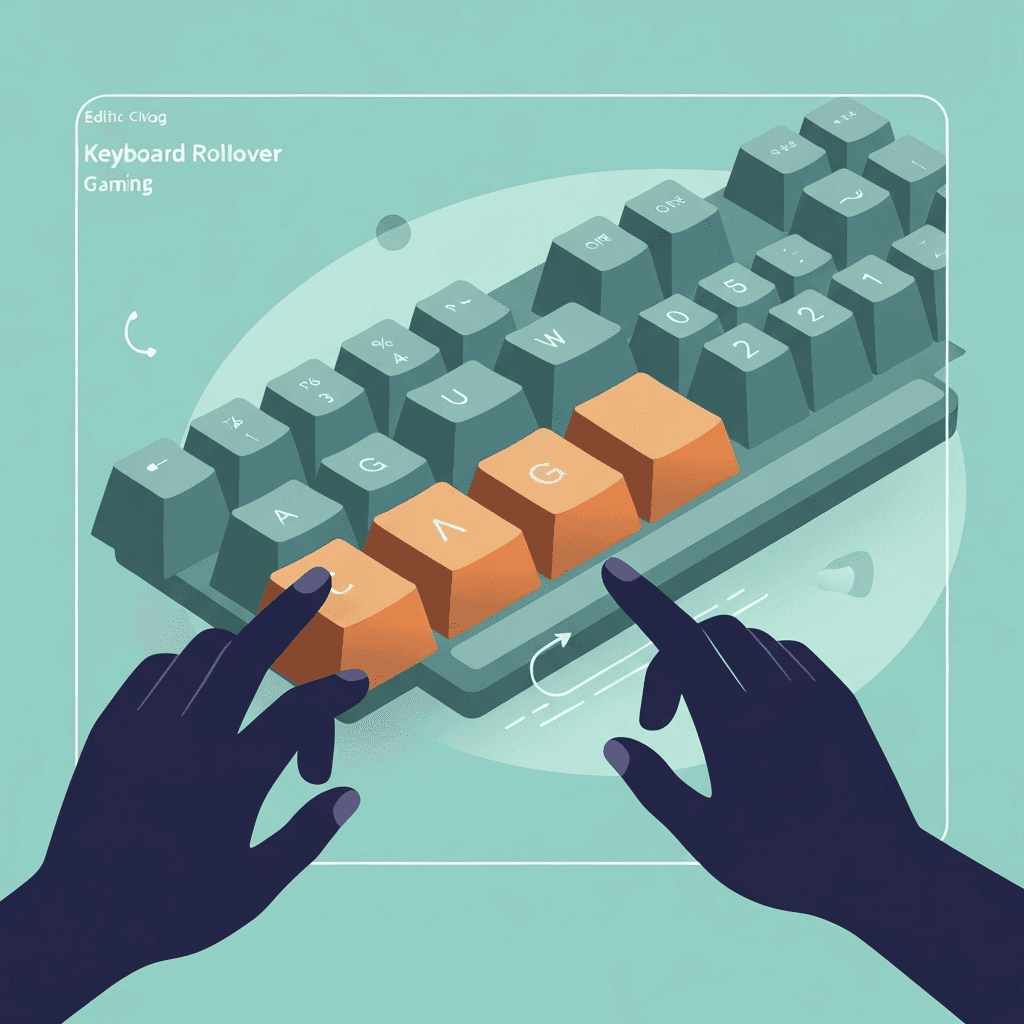
Hold chord presets like WASD or Space+arrows and watch for missing keys (blocking) or phantom inputs (ghosting). The visual keyboard highlights teal, orange, and red in real time.
Open rollover & ghosting testCheck game vs desktop
If the lab shows teal for your chord but the game ignores it, look at bindings, anti-cheat overlays, and fullscreen focus.
Hardware-first saves hours of graphics settings tweaks.
Close macro tools and gaming overlays while testing so software is not injecting phantom keydown events.
Photograph teal, orange, and red highlights when you need warranty proof—support teams respond to visuals faster than adjectives.
Build a pre-match ritual
Thirty seconds on WASD+Shift before ranked play catches regressions after travel or spills.
Pair with a one-minute typing test weekly if you also write or code on the same board.
Log max simultaneous keys in a notes app when comparing boards. Marketing NKRO is less useful than your measured peak.
Photograph teal, orange, and red highlights when you need warranty proof—support teams respond to visuals faster than adjectives.
Continue practicing
This cluster is about simultaneous key presses. Run the rollover lab on your real chords, then confirm every switch still works on the full key map.