- 5/18/2026
- Updated 5/18/2026
Do Mechanical Keyboard Switches Require Debounce? Yes—Here Is Why
Do mechanical keyboard switches require debounce? Contact bounce physics, firmware filters, and when optical or Hall designs still need equivalent logic.
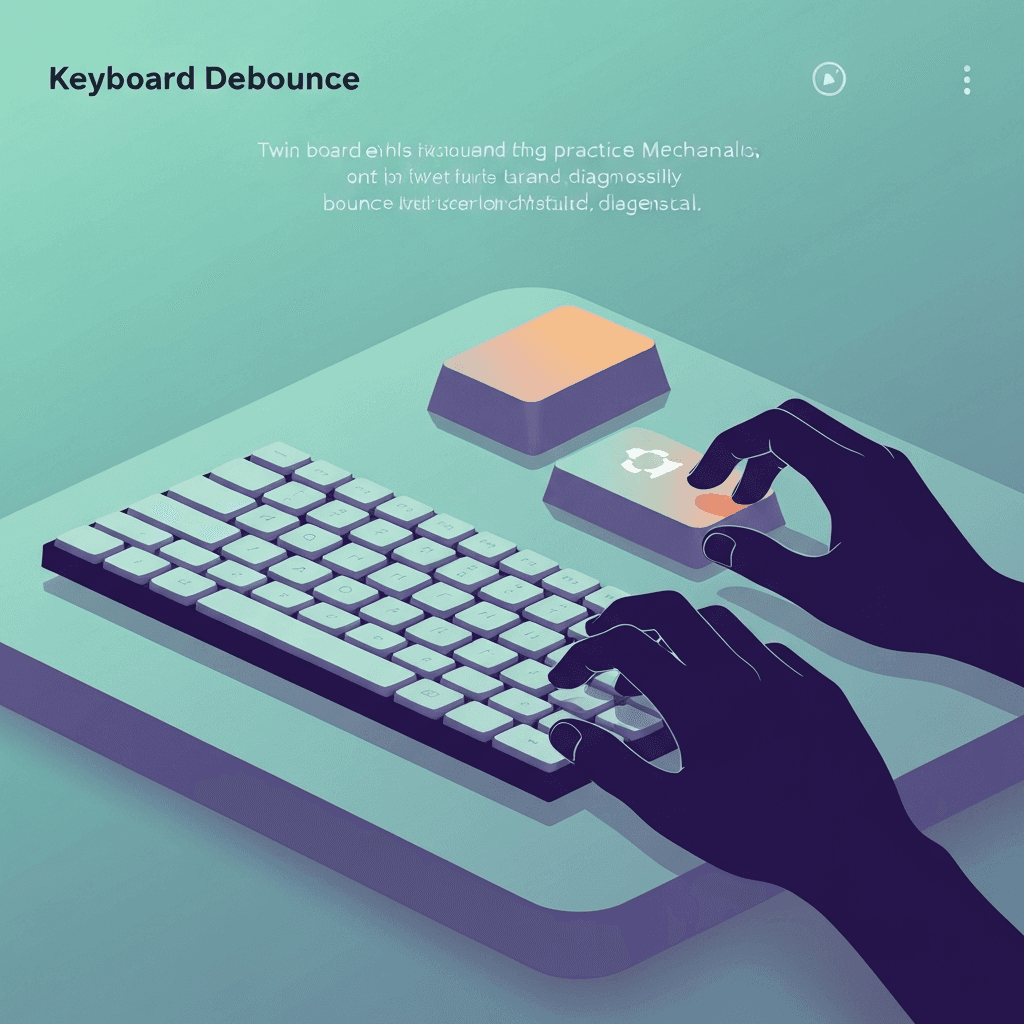
Metal contacts bounce unless filtered
Do mechanical keyboard switches require debounce? Yes—any design that reads physical contact closure needs a strategy for bounce, whether implemented in firmware or companion hardware.
“Hot-swap” or “premium spring” labels do not repeal physics. They only change how easy it is to service a switch that went bad.
Log bounce counts beside cable type so Bluetooth and wired comparisons stay honest in support tickets.
Mechanical boards can chatter when contacts oxidize—compare another key on the same row before replacing the whole deck.
Try the debounce & chatter check
Tap one key lightly and watch for rapid double keydowns the browser receives—bounce troubleshooting, not firmware debounce milliseconds from inside the switch.
Open debounce & chatter labOptical and Hall paths still filter events
Sensors that detect position without metal chatter may use different algorithms, but they still debounce in the sense of stabilizing readings before reporting.
Do not assume those boards are immune to duplicate reports—test anyway when something feels wrong.
End troubleshooting with a one-minute test on familiar prose; clean bounce samples should match calmer accuracy.
Screenshot the event log when IT asks for proof; millisecond gaps are clearer than “it feels sticky.”
Service switches before blaming typing technique
If doubles cluster on one key, swap or clean before months of “accuracy drills” that cannot fix hardware.
Log results from the browser lab when you RMA so support sees timestamps, not only adjectives.
End troubleshooting with a one-minute test on familiar prose; clean bounce samples should match calmer accuracy.
End troubleshooting with a one-minute test on familiar prose; clean bounce samples should match calmer accuracy.
Continue practicing
This cluster is about bounce and double letters. Run the chatter check on a suspect key, rule out OS repeat, then confirm chords on the rollover lab before you replace hardware.