- 5/15/2026
- Updated 5/15/2026
Arrow Key Fatigue: Stretches and Desk Setup for Long Sessions
Thumb and wrist soreness from arrow clusters? Fix reach, angle, and break timing—then measure whether input accuracy recovers on a direction-keys test.
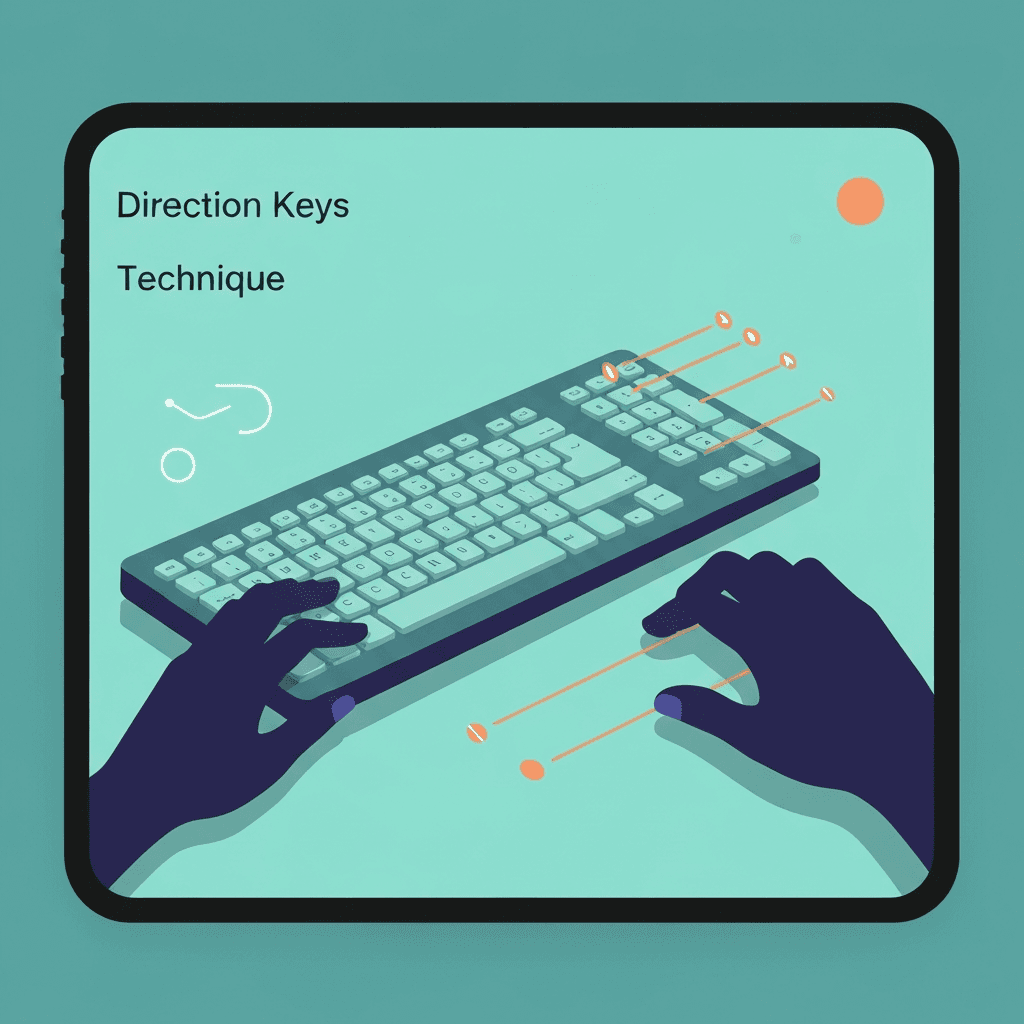
Reach beats force
Hovering stretched over inverted-T arrows tires the thumb. Bring the keyboard closer or raise chair height so fingers curl naturally.
Interactive Practice
Try this direction keys tool right here
Run the same test discussed in this article without leaving the page.
Micro-breaks preserve accuracy
Fatigue shows up as wrong-direction presses before pain peaks. Log error spikes in timed tests to schedule breaks.
Consider alternate layouts
Some players remap to WASD for long sessions; arrows remain useful for menu navigation drills on the same day.
Continue practicing
The in-page typing tool uses direction-keys mode (↑ ↓ ← →). Open the full direction-keys test for a clean-screen run, or check the leaderboard for your rank.