- 3/18/2026
- Updated 3/18/2026
Debugging Log Typing Speed for Developers
Train typing for log messages, stack-trace notes, and quick diagnostic edits to speed up debugging workflows.
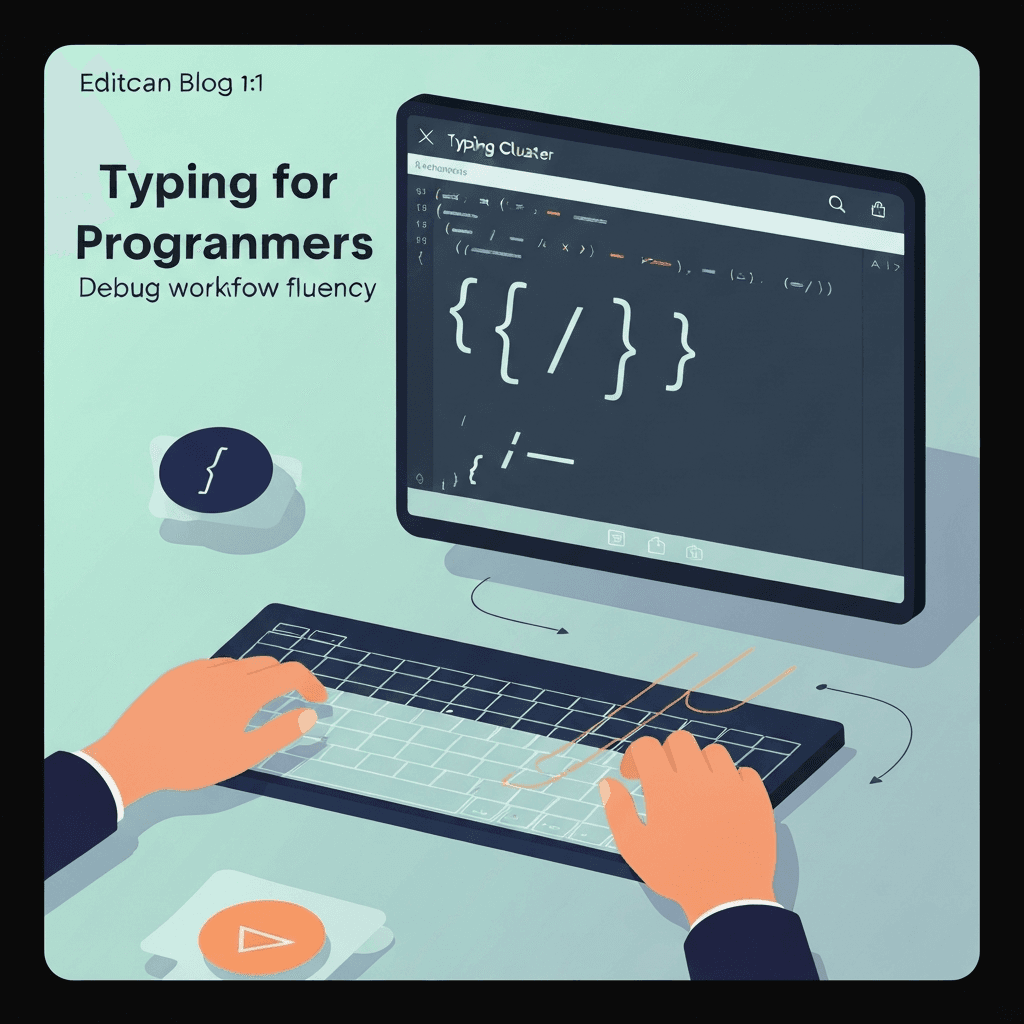
Debugging has unique typing demands
Debug sessions often require rapid context capture, variable inspection notes, and short logging edits under pressure.
Typing confidence in these moments helps maintain reasoning flow. Reduced hesitation means faster issue isolation and cleaner iteration.
Mix symbol practice with naming-heavy lines so your brain trains context switches—the same switches real coding demands.
Keep a personal list of “expensive” characters you still glance at. That list is your highest ROI drill menu.
Interactive Practice
Try this programmer symbols tool right here
Run the same test discussed in this article without leaving the page.
Practice short diagnostic patterns
Use timed rounds with realistic log statements, conditional checks, and trace labels. Keep snippets compact but punctuation-rich.
Mix in multiline snippets when possible. This improves transition between quick logs and larger code adjustments during real debugging sessions.
Bring these ideas into real editor conditions: similar indentation, line breaks, and comment symbols. Typing symbols in isolation helps, but muscle memory finalizes when the patterns match how code actually appears.
Track mistakes by class: shift layer misses versus sequencing errors versus wrong symbol choice. Each class needs a different fix.
Continue practicing
The in-page typing tool uses programmer-symbol text. Open the full programmer test for every option, or visit the language hub for track-specific guides.